
Project and task management
Project management that your team will actually use
Plan projects, assign tasks, and track progress on clear dashboards. Get started in minutes and your entire team can handle it without lengthy training.
14 days free · no credit card required
If you know Trello or Asana
Similar to Trello and Asana. Only simpler and cheaper.
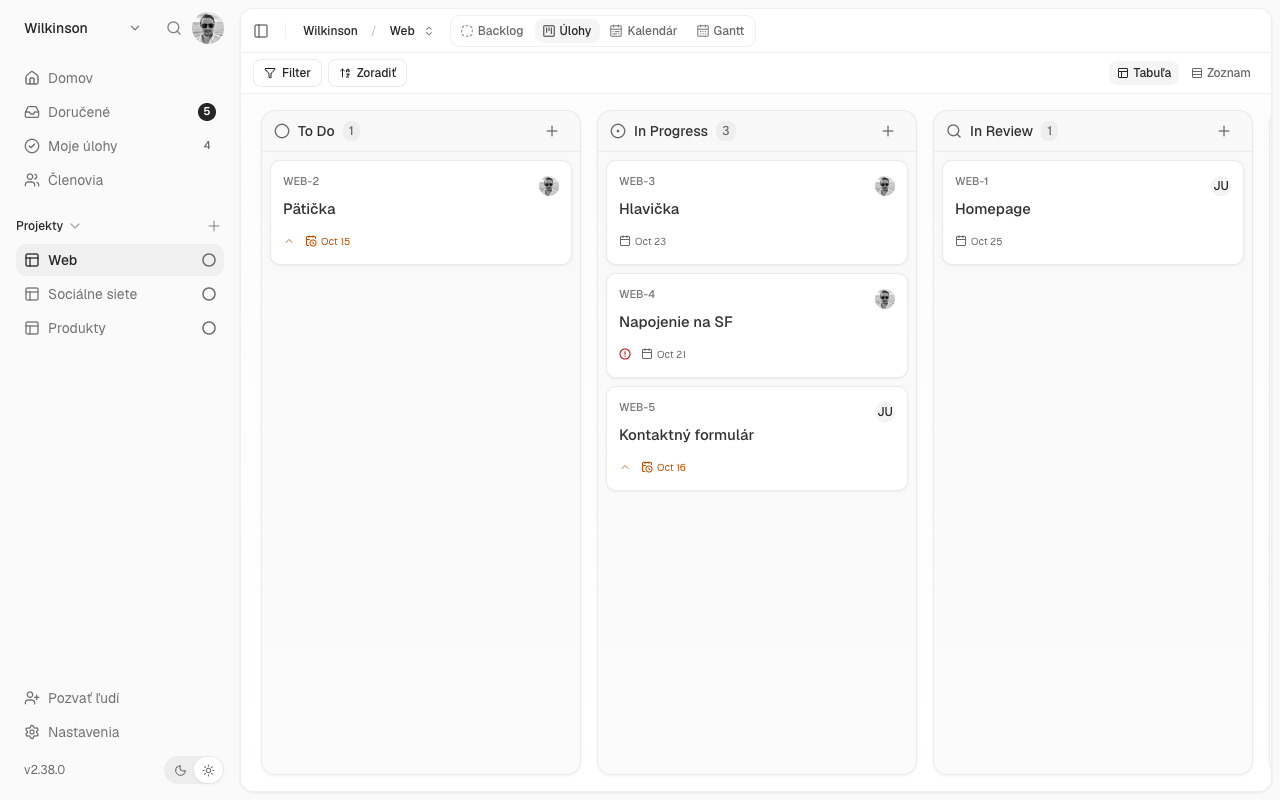
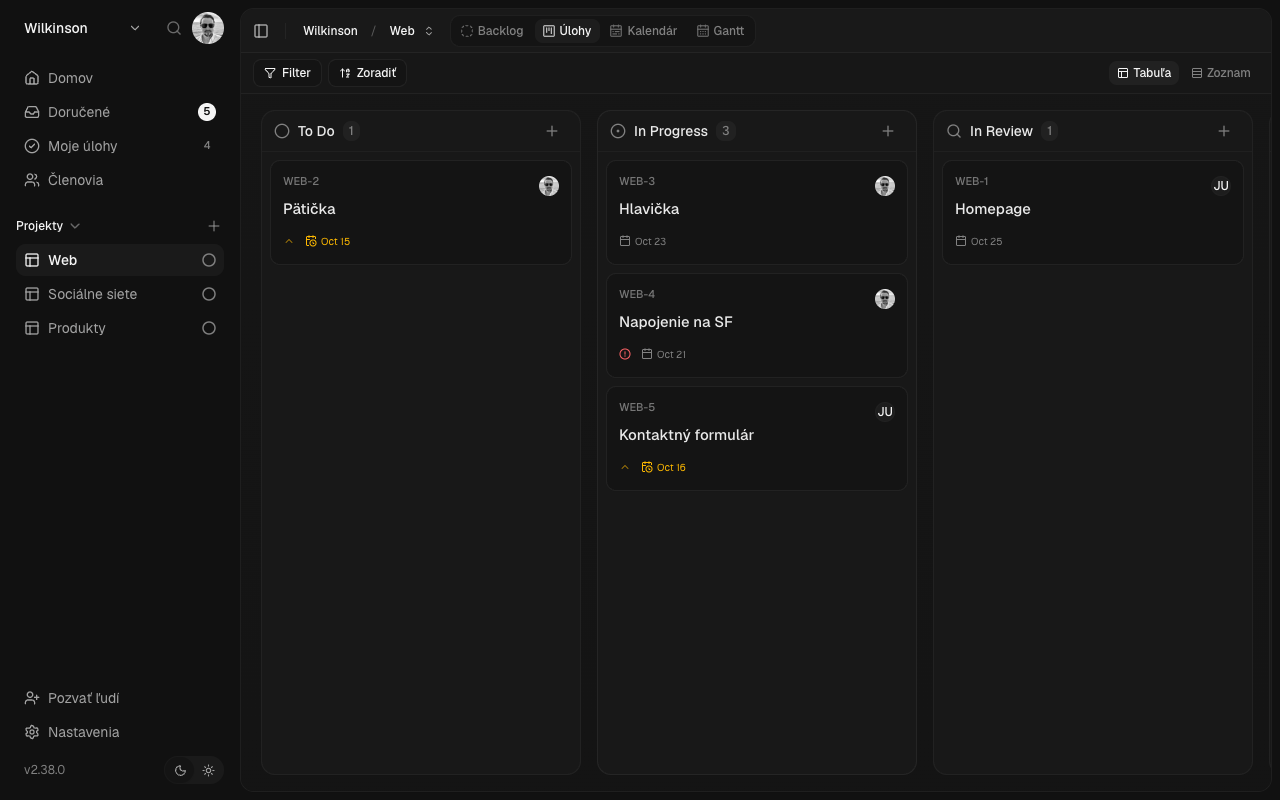
Projecco works similarly to Trello or Asana. Like Trello, you have tasks clearly arranged on a board and you can easily move them between columns depending on their status. Like Asana, you can assign them to colleagues, set deadlines, and track the entire process in List, Calendar, or Timeline views..
The difference is that Projecco is simpler, minimalistic, cheaper and completely in Slovak and Czech.
| Projecco | Asana | Trello | ClickUp | |
|---|---|---|---|---|
| Price per user per month | 4 € | from $10.99 | from 5 USD | from 9 USD |
| Calendar and timeline (Gantt) | included in the price | from $10.99 Starter plan | from 10 USD Premium plan | from 9 USD Core plan |
| Team of 5 people with calendar and timeline, monthly | 25 € | 54,95 USD | 50 USD | 45 USD |
| All features in one plan | yes | no, more plans | no, more plans | no, more plans |
| Application and support in Slovak | yes | NO | NO | NO |
| Contract and invoice from a Slovak company | yes | NO | NO | NO |
Features
Everything the team needs. Nothing extra.
Overview of all work in one place
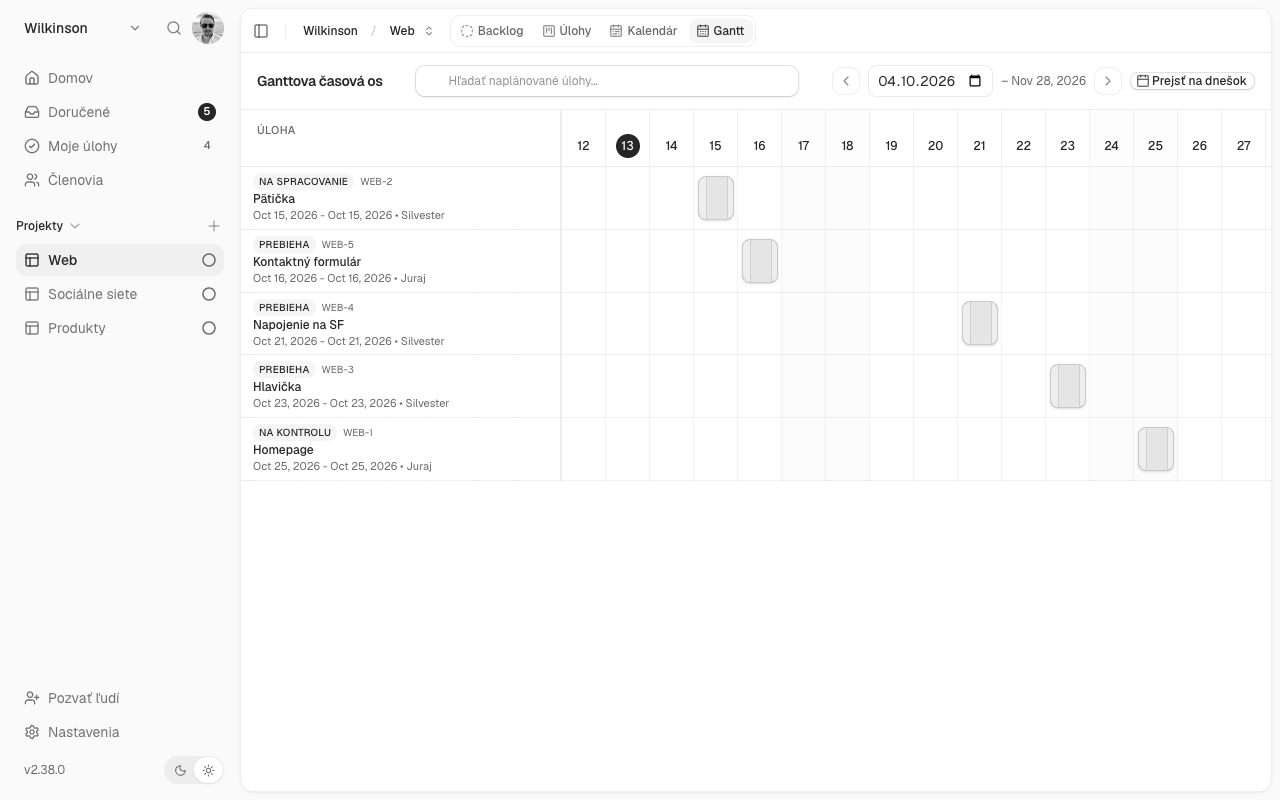
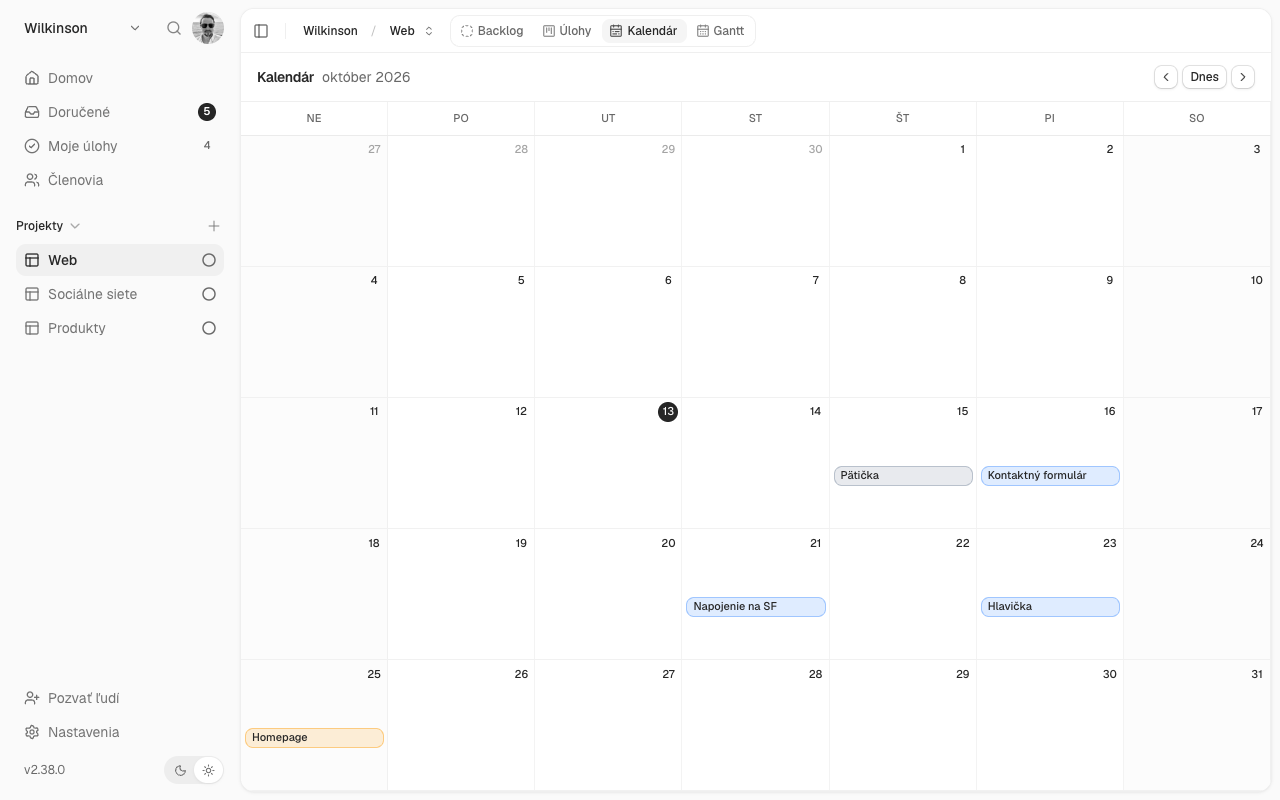
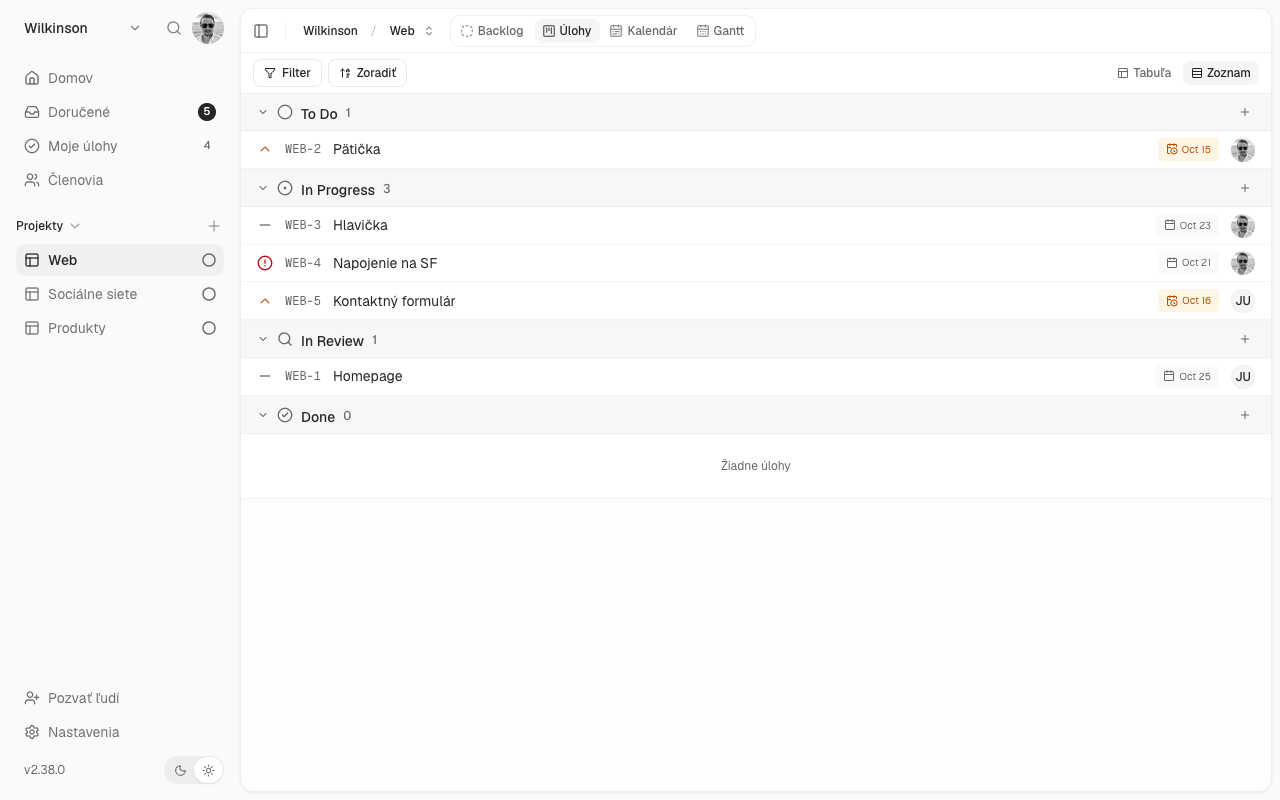
Board, list, calendar and timeline (Gantt). You can immediately see what is being done, what is pending and what is done.
Collaborate with your team in real time
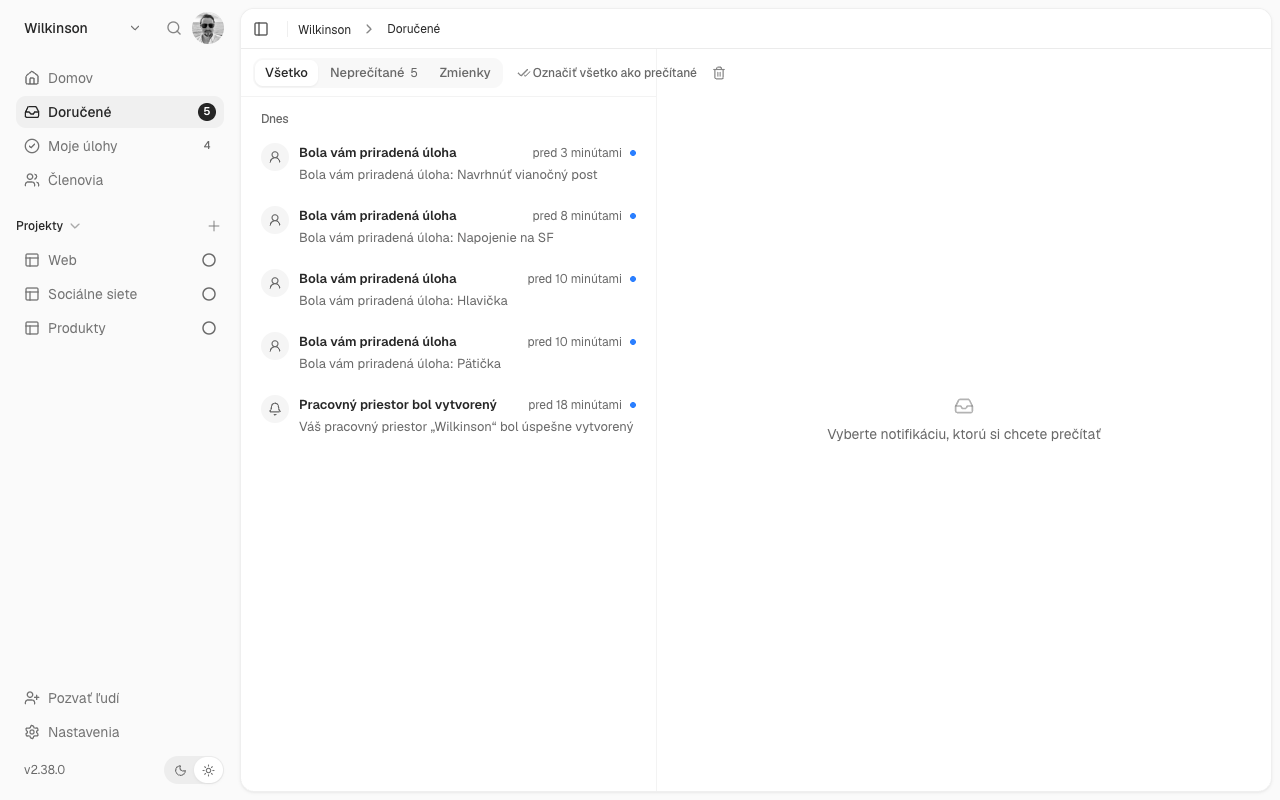
Assign tasks, deadlines, priorities and comments directly on the task. Changes are visible to everyone immediately and Projecco will notify you of upcoming deadlines.
Simple, clean and in Slovak
It can be started in minutes, without training. It works in the browser and is also available in Czech.
And also
- Subtasks
- Tags
- Custom fields
- Roles and permissions
- Email notifications
- Minimalist UI
- Linking to calendars
- MCP
- API
- Import from Trello, Jira and i.
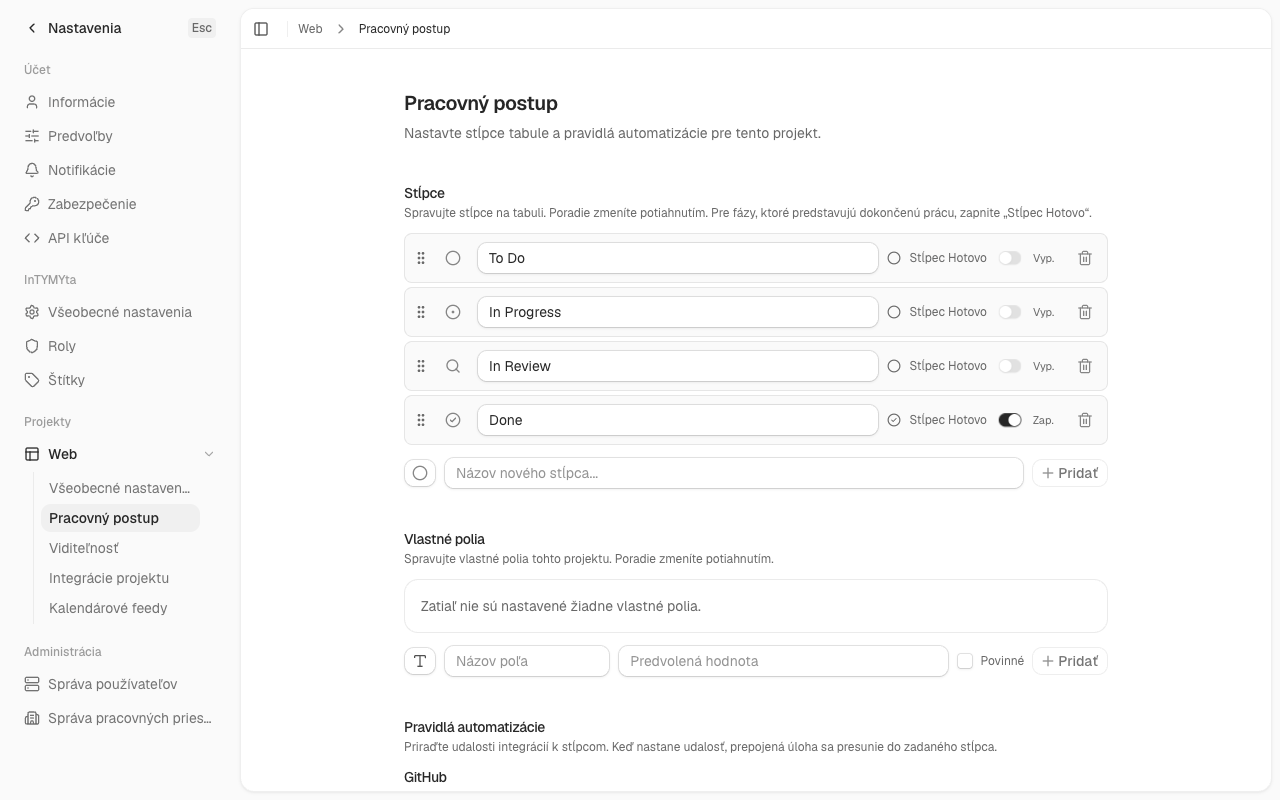
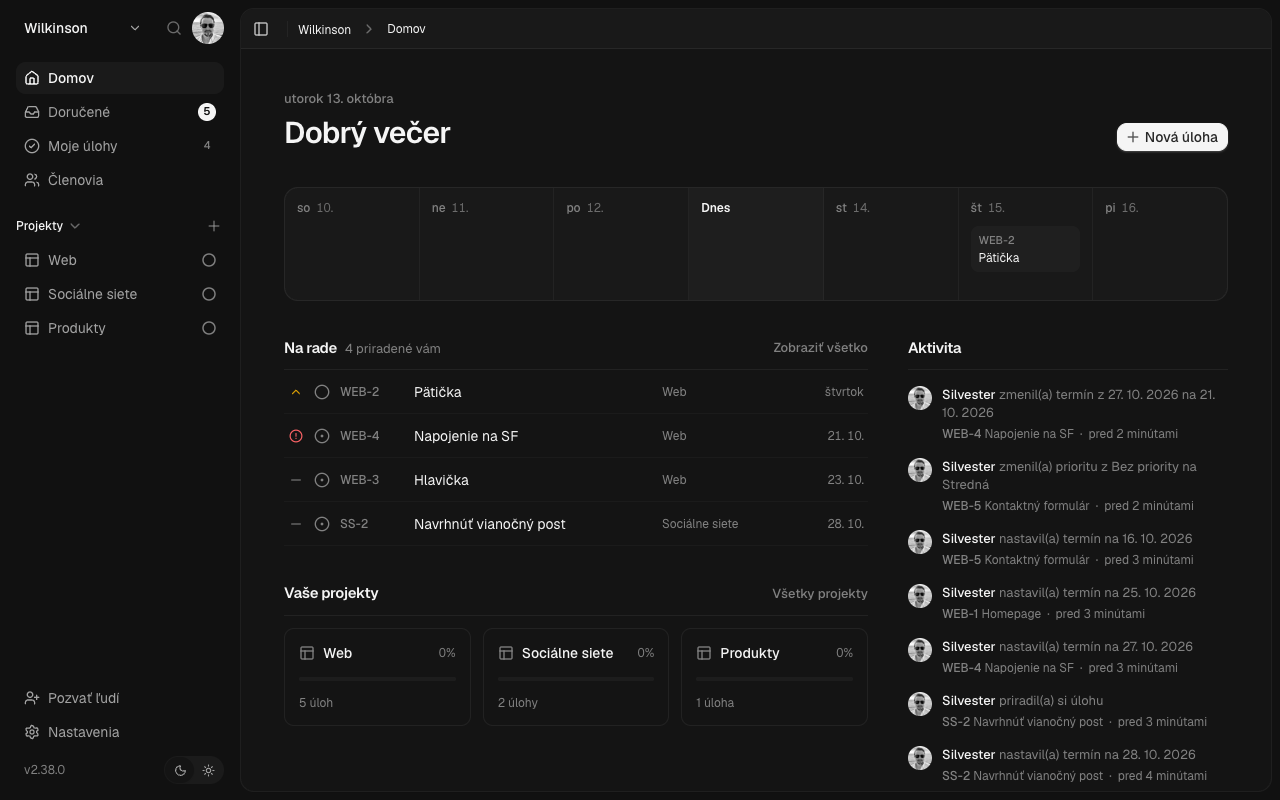
APPLICATION SAMPLE
See what it looks like
No marketing images, just actual screens from Projecco. Click to enlarge.
Price list
One simple price
5 € per user per month
with a monthly payment, or 4 € per user per month with annual payment
- 14 days free trial, no credit card required
- Optional: one-time setup and task import (e.g. from Trello or Excel) from €50
Prices are excluding VAT.
Try for free
Try Projecco for 14 days free
Fill out a short form and we will provide you with access. You don’t need a payment card.
- You fill out the form
- We will get back to you within 1 business day.
- You try Projecco with the whole team for 14 days
Questions
Frequently asked questions
Do I need to install anything?
No. Projecco works in the browser, you don’t need to install anything.
How does the trial period work?
You can use Projecco for 14 days for free, without entering a credit card. After that, you can decide whether to continue.
I’m missing a feature I need. Will you add it?
Tell us what you need and what you would use it for. If the feature makes sense for other Projecca users, we will add it. Write to us at [email protected].
Where is my data stored?
The data is stored on Contabo’s servers in the European Union. We do not transfer it outside the EU.
How do I cancel my subscription?
At any time, with notice period according to business conditions.
Tutorials and tips
How to plan projects better
and manage the team’s work.
-
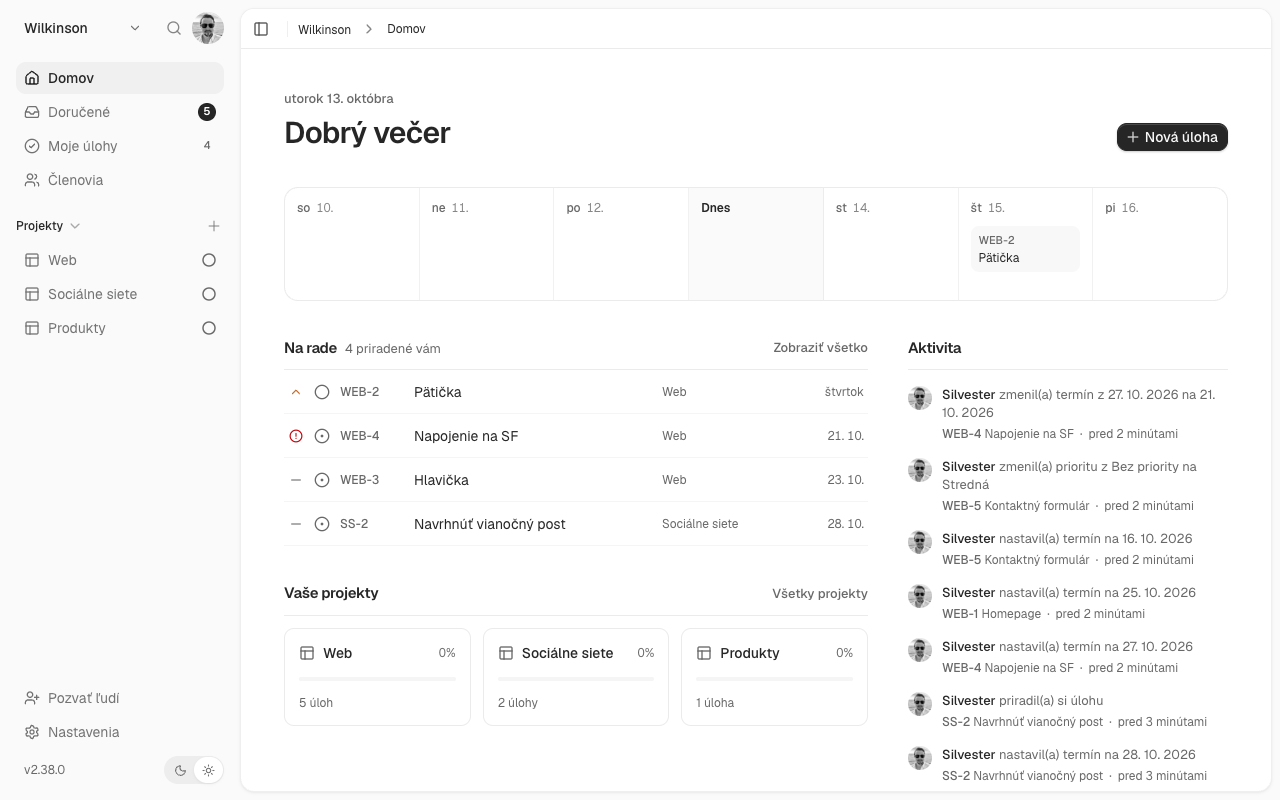
Slovak alternative to Trello and Asana: comparison of project management tools
Looking for a simpler project management tool in Slovak? We compared Trello, Asana, ClickUp, and Projecco based on price, language, and features.
-
How to make a Kanban board: a practical guide for small businesses
What is Kanban, how to design columns on a board, and how to avoid the most common mistakes. A practical guide with examples for marketing, service, and production.
-
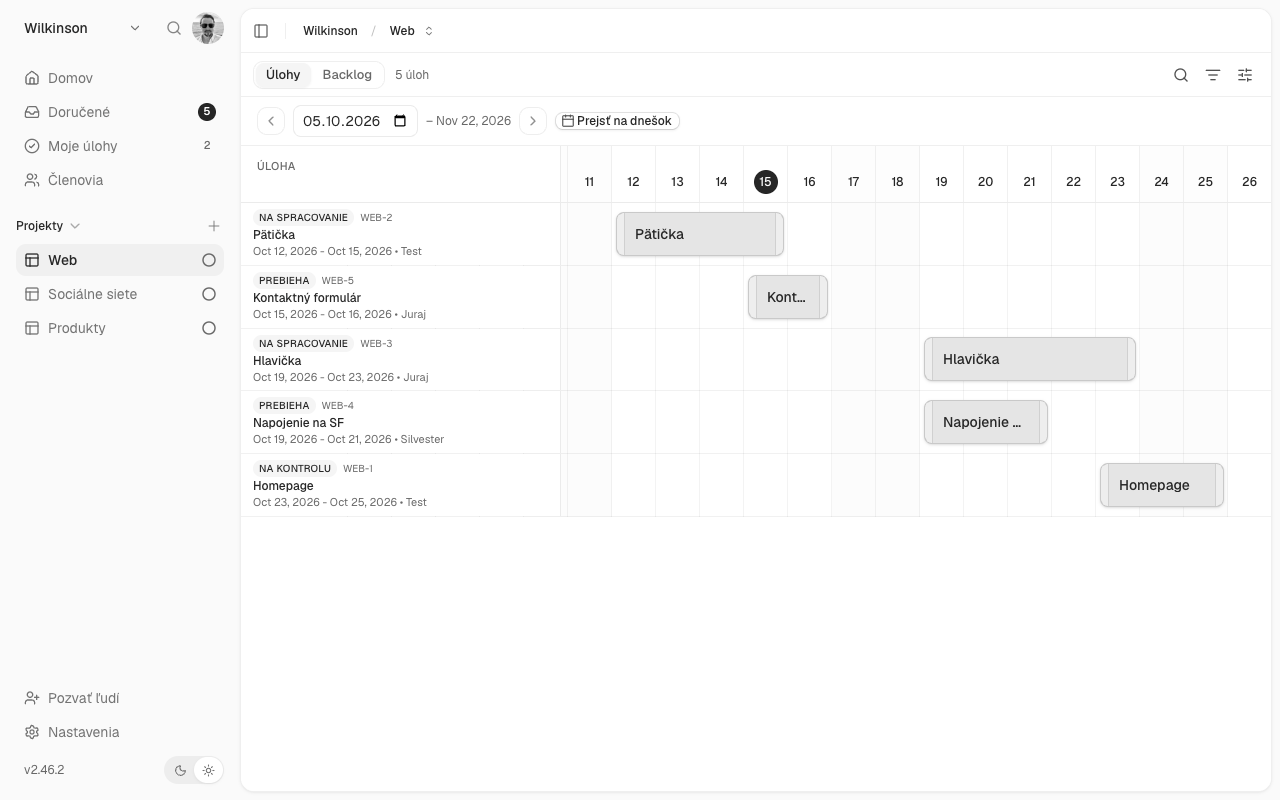
Gantt chart: what it is and how to use it to plan a project
What is a Gantt chart, when is it useful and how to plan a project with it in five steps. Comparison of Excel and project management applications.