

Project and task management
Project management that your team will actually use
Plan projects, assign tasks, and track time on clear boards. Stay on top of project budgets, team workload, and expected revenue months ahead. Get started in minutes, no lengthy training needed.
14 days free · no credit card required
Working alone? Projecco for freelancers →
Why Projecco
Everything your team needs in one place
Tasks, tracked time, team planning, budgets and clients in one tool. No complicated setup.
Tasks
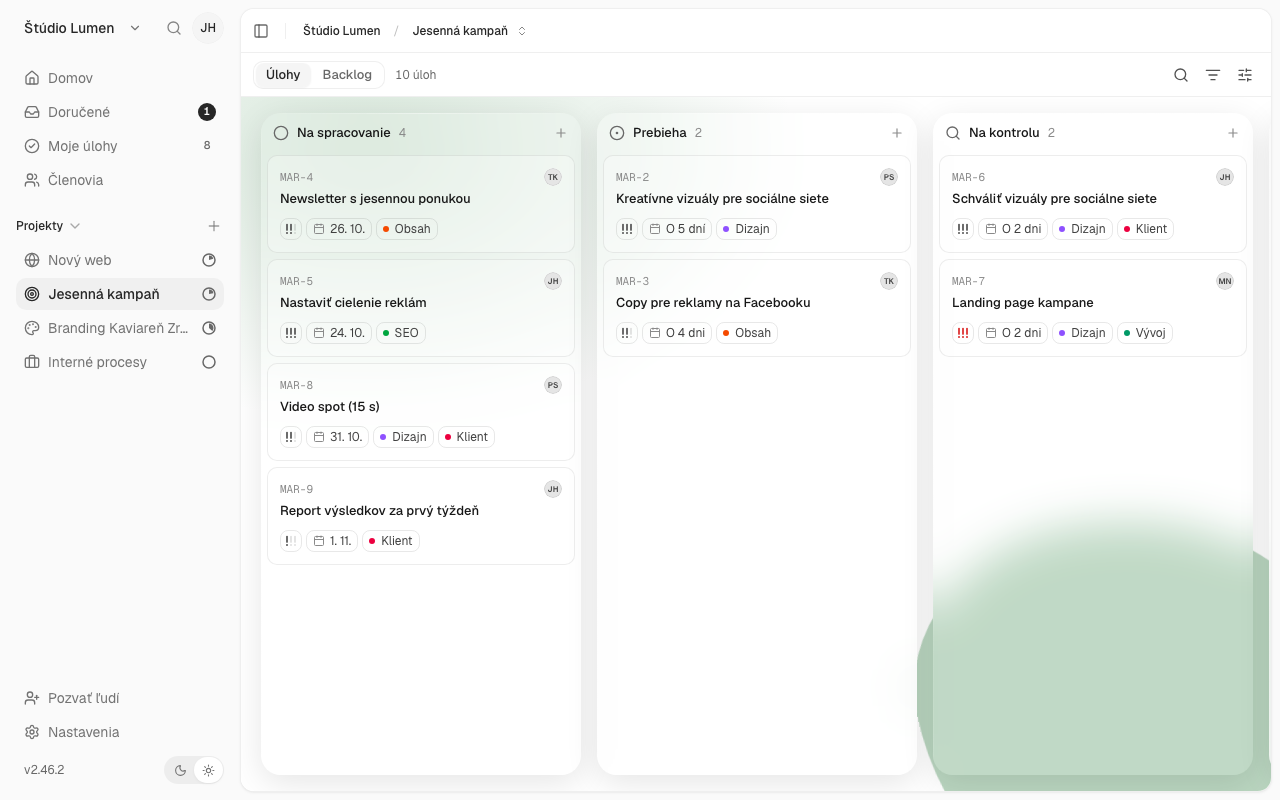
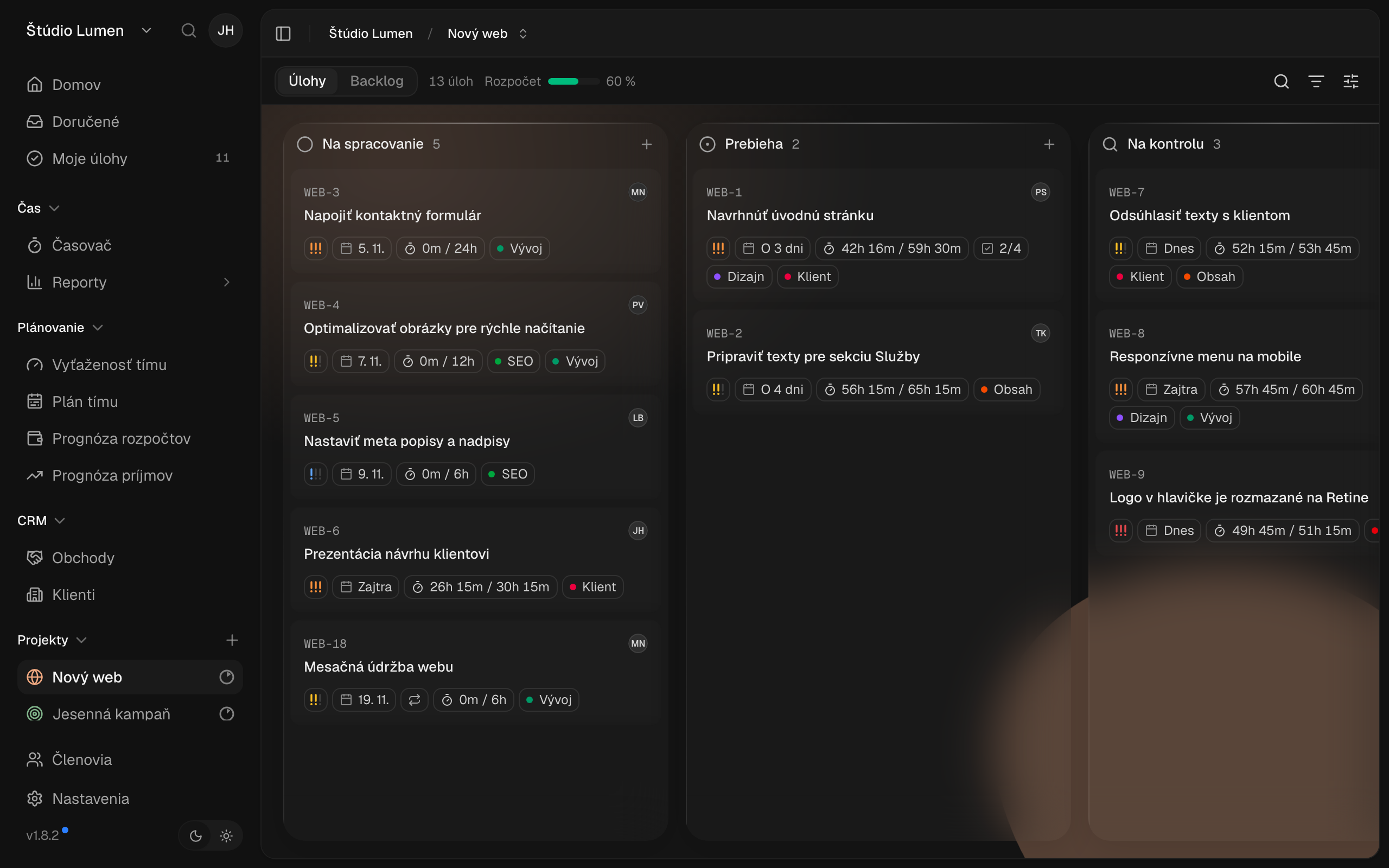
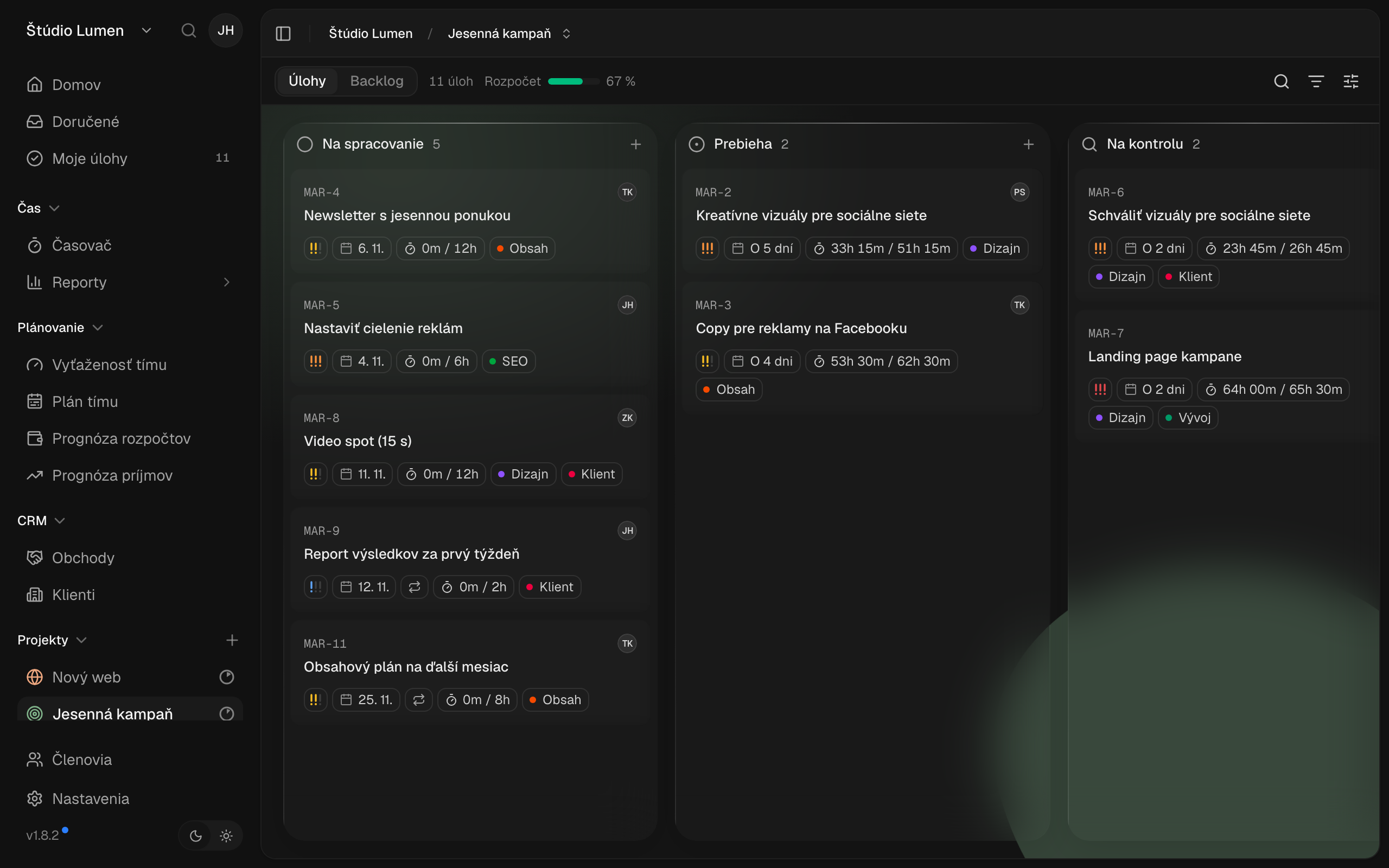
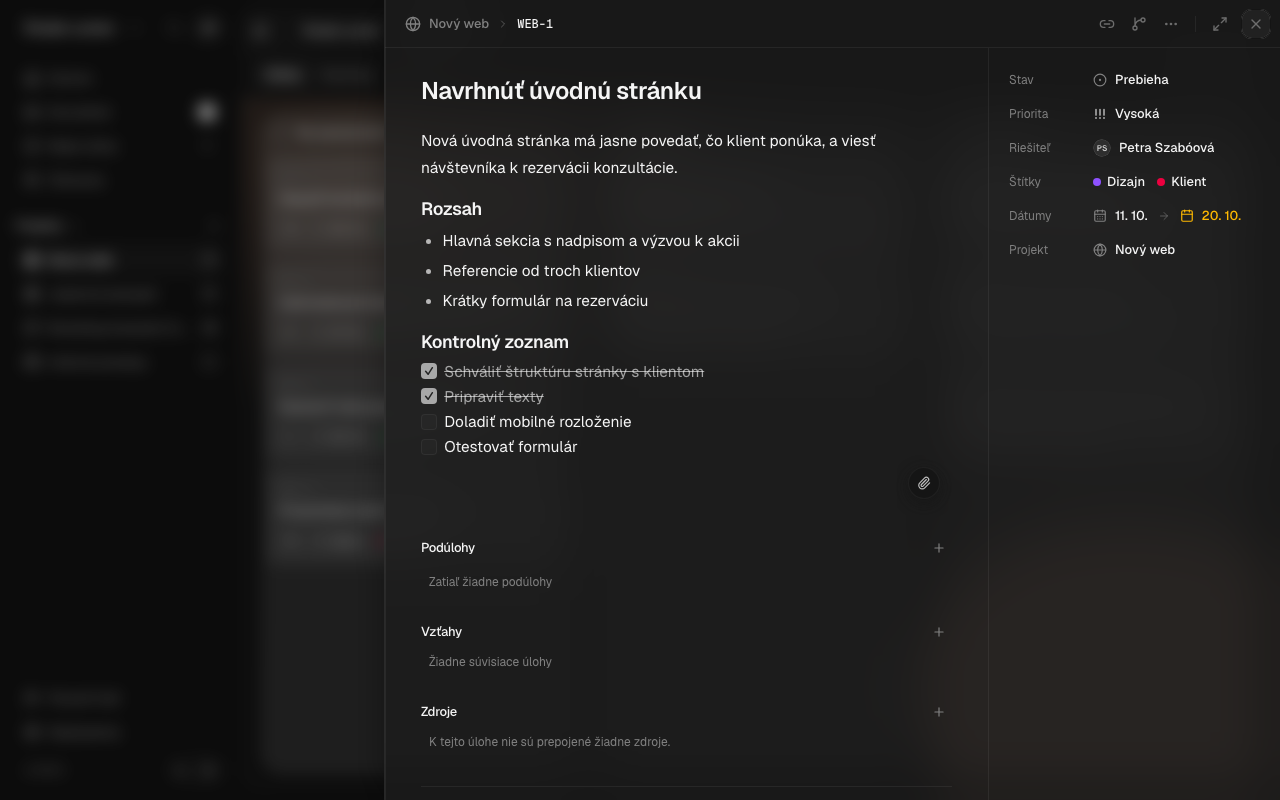
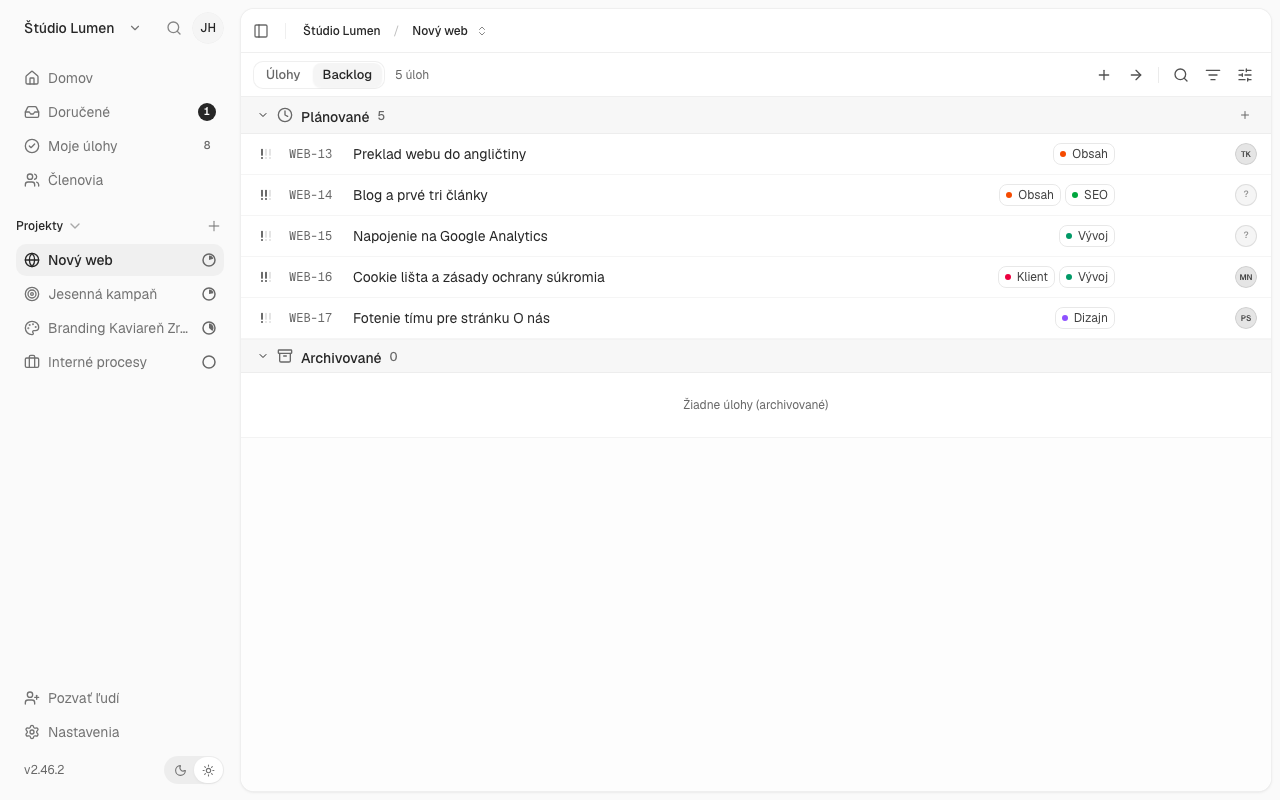
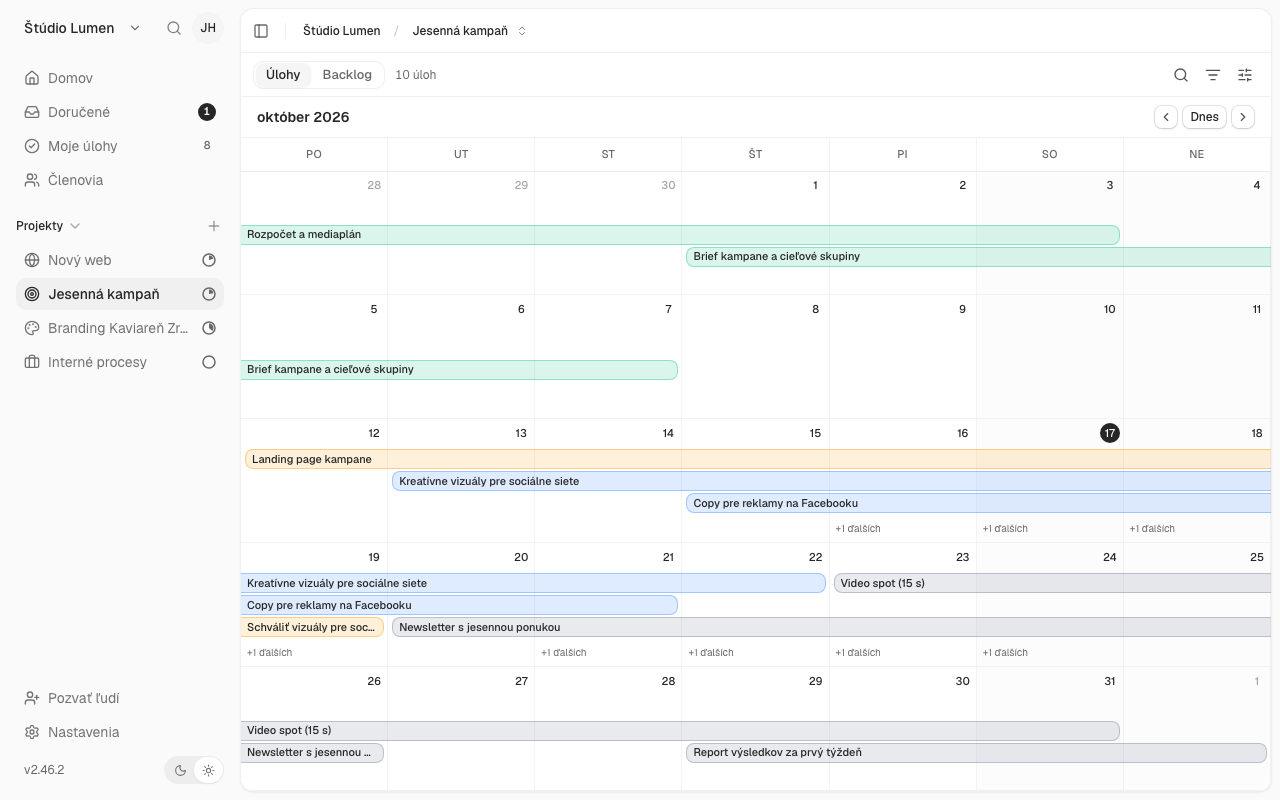
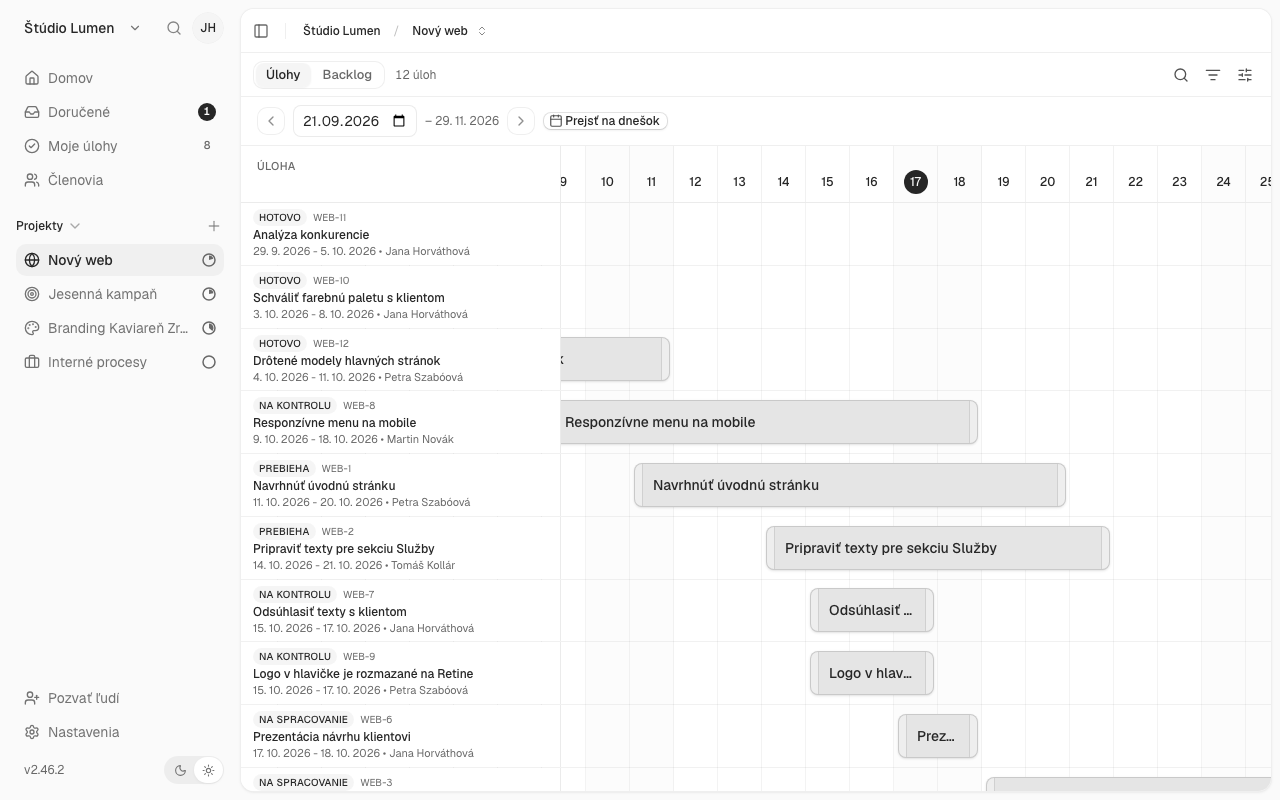
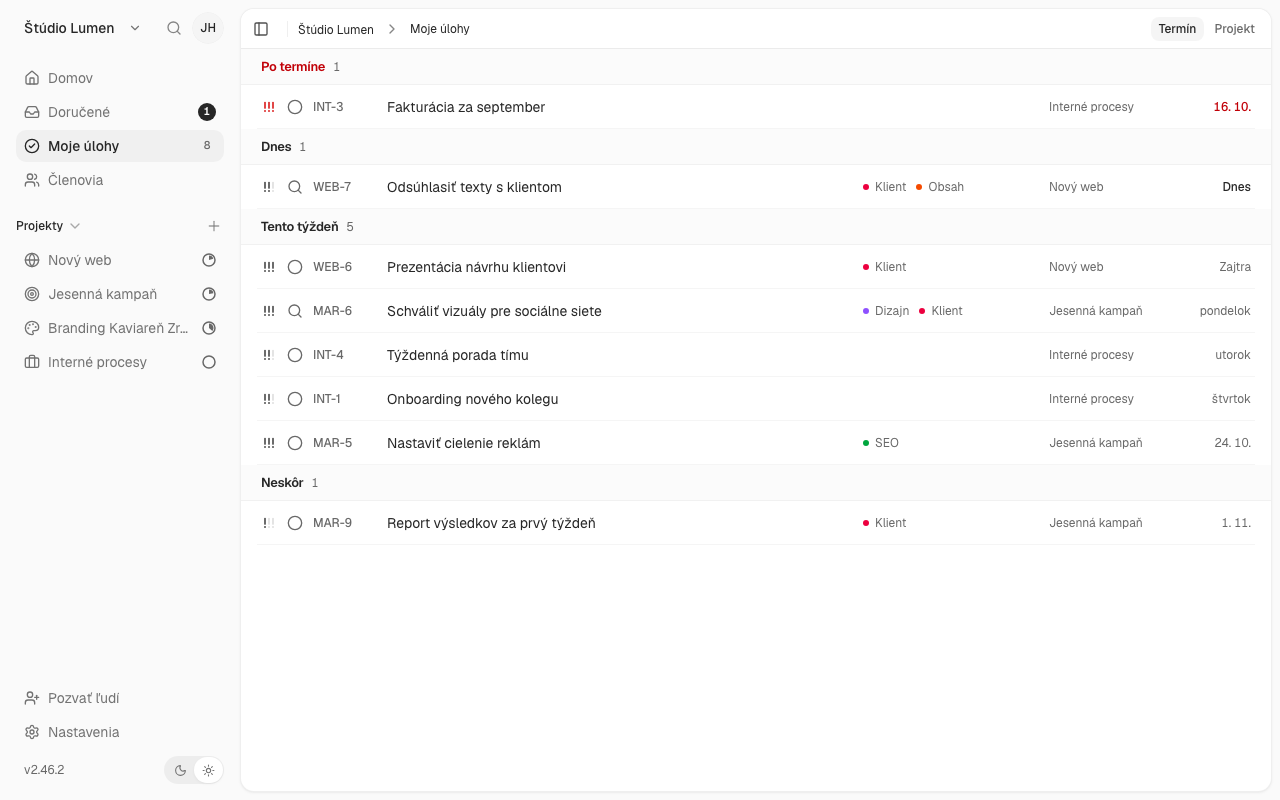
See tasks on a board and move them from left to right as their status changes. Assign them to colleagues, set deadlines and switch to a list, calendar or timeline. Description, subtasks, labels and comments live right on the task.
Time
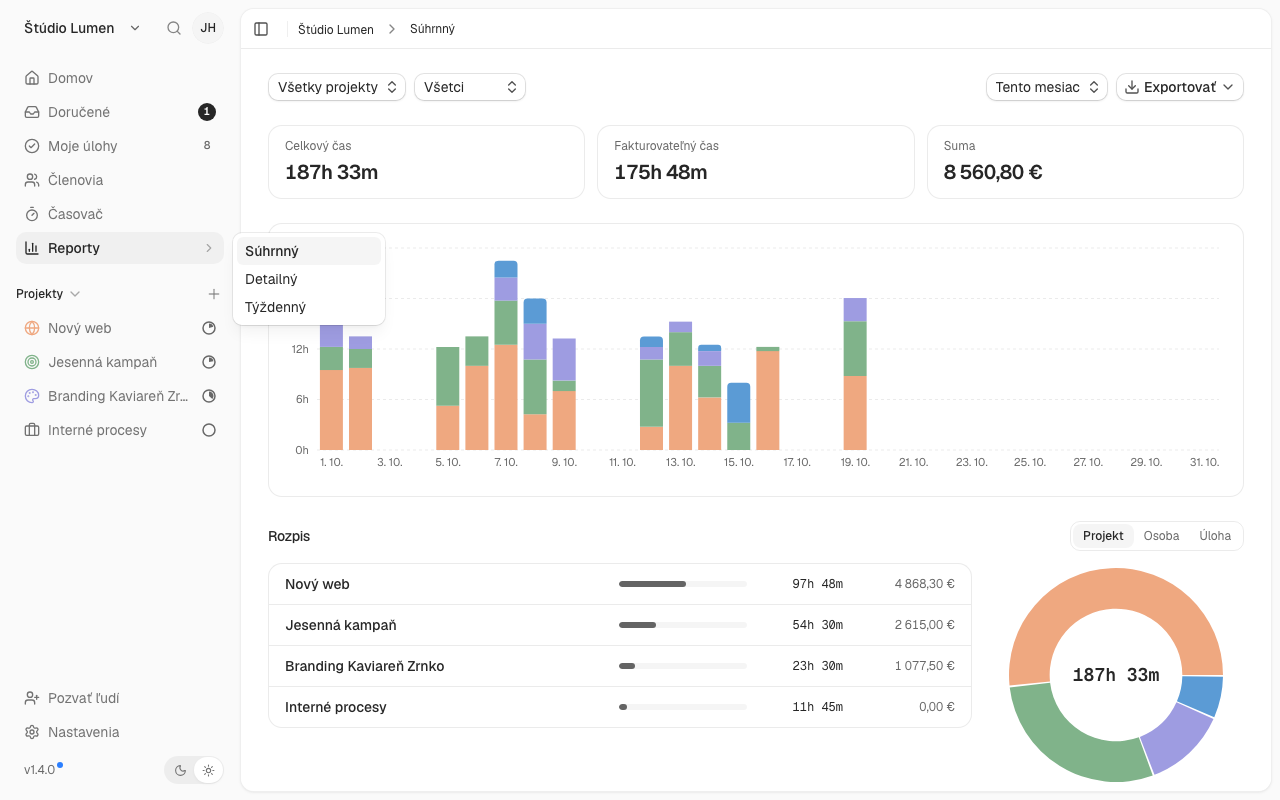
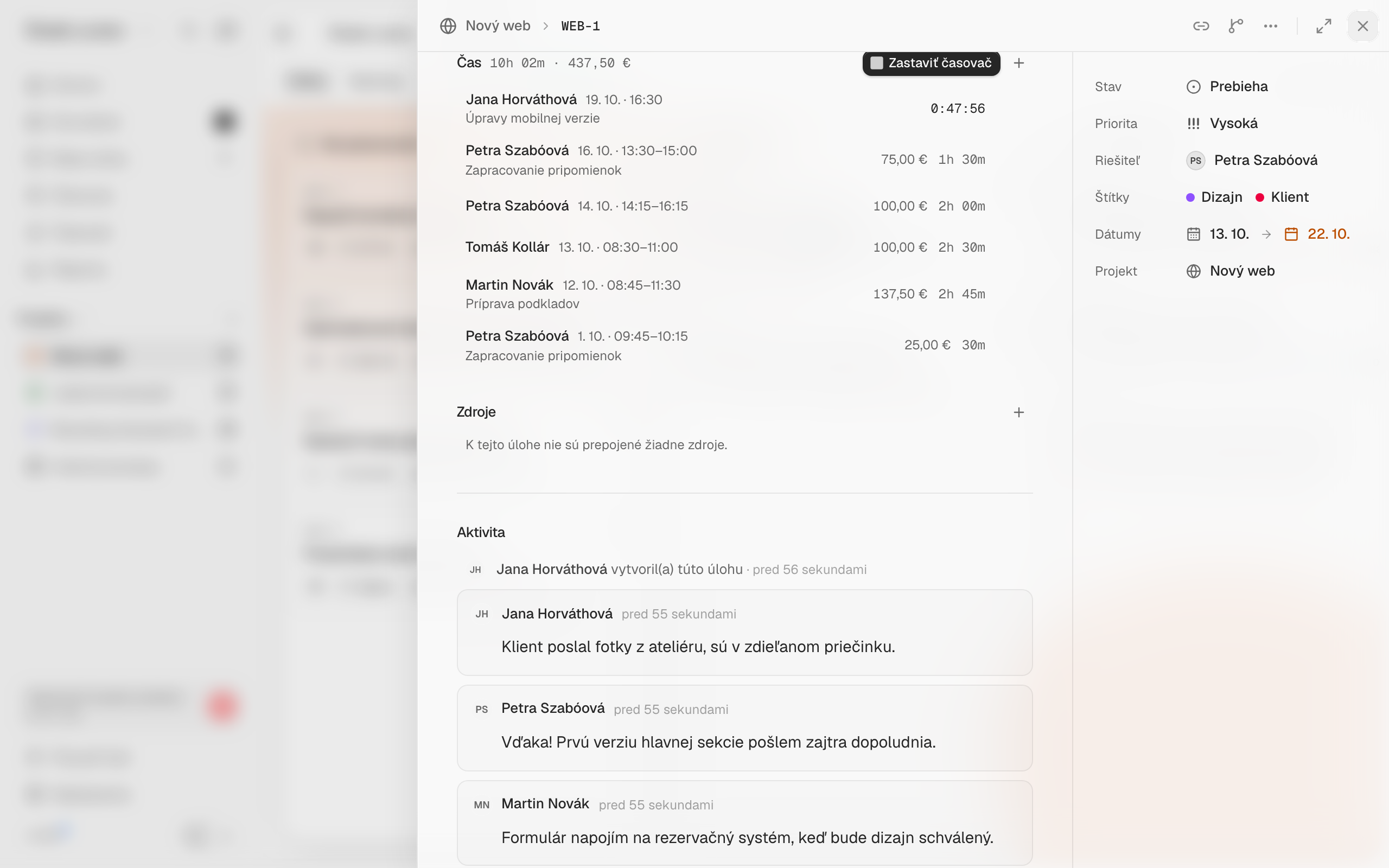
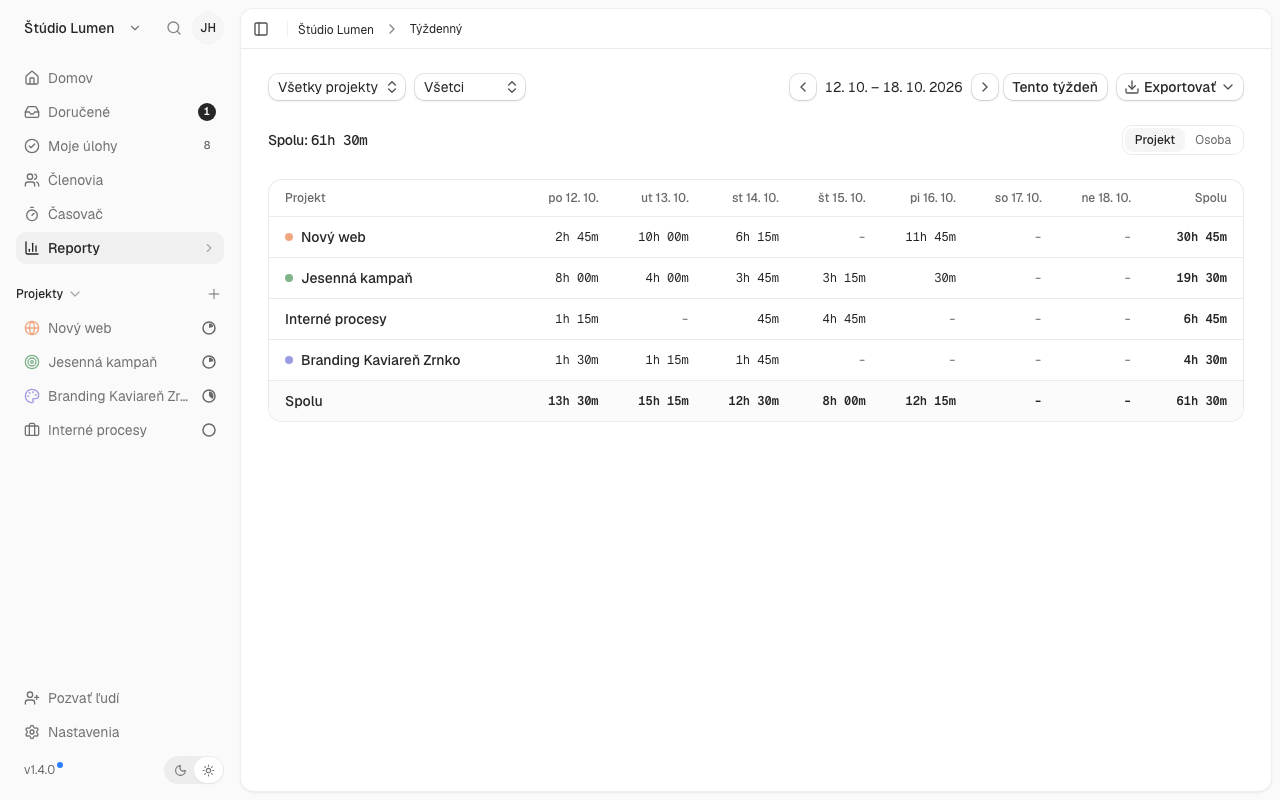
Start the timer with one click on a task, on the board or on the Timer page and see how many hours went into which job. Hours carry rates, so you see amounts too.
Money and forecasts
See the budget, costs and profit of every job, from the first deal to the invoice. The forecast shows how the budget is being used and what income to expect in the coming months.
If you know Trello, Asana or Clockify: Projecco works in a similar way. Tasks are on a board like in Trello, you assign and plan them like in Asana, and you track time with one click like in Clockify. You can bring your Clockify history with you. The difference is that Projecco is simpler and you have everything in one tool.
| Projecco | Asana | Trello | ClickUp | |
|---|---|---|---|---|
| Price per user per month | from €4 | from $10.99 | from 5 USD | from 9 USD |
| Calendar and timeline (Gantt) | included in the price | from $10.99 Starter plan | from 10 USD Premium plan | from 9 USD Core plan |
| Time tracking | included in the price | from $24.99 Advanced plan | only via add-ons | in paid plans |
| Project profitability (profit and margin) | ready-made, in Business (€7) | from $24.99 (Advanced plan) + add-on surcharge | not a ready-made feature, only budgets and rates via an add-on (e.g. Everhour from $8.50) | not a ready-made feature, you have to build it from custom fields and formulas |
| Budget with spending forecast | ready-made, in Business (€7) | extra cost (add-on), from the Starter plan ($10.99) | only via a third-party add-on (e.g. Everhour from $8.50) | not a ready-made feature, you have to build it from custom fields and dashboards |
| Team workload and capacity | ready-made, in Business (€7) | from $24.99 (Advanced plan) | only via a third-party add-on (e.g. Planyway, Team plan) | included in plans, with a usage limit in cheaper ones |
| Team of 5 people with calendar and timeline, monthly | €20 | 54,95 USD | 50 USD | 45 USD |
Features
Everything the team needs. Nothing extra.
Overview of all work in one place
Board, list, calendar and timeline (Gantt). You can immediately see what is being done, what is pending and what is done.
Collaborate with your team in real time
Assign tasks, deadlines, priorities and comments directly on the task. Changes are visible to everyone immediately and Projecco will notify you of upcoming deadlines.
Simple and clean
It can be started in minutes, without training. It works in the browser, so there is nothing to install.
And also
Tasks
- Subtasks
- Recurring tasks
- Project templates
- Tags
- Custom fields
- Task estimates
- Private notes
Time and finance
- Time tracking
- Hourly rates
- Budgets and forecast
- Revenue forecast
- Profitability
- Project expenses
- Recurring expenses
- Fixed price and retainers
- Clients
- Client contacts and history
- Meeting notes
- Client finances
- Deals
- Deal win rate
- Reports
Team
- Team workload
- Team plan
- Bookings
- Team capacity
- Time off
- Roles and permissions
- Notifications
Integrations
- Two-way sync with Google Calendar
- SuperFaktúra and Fakturoid
- GitHub, GitLab and Gitea (task sync)
- Slack, Discord, Mattermost and Telegram (notifications)
- Webhooks
- MCP for AI assistants
- API
- Import from Trello, Jira, Clockify and more
Missing something? Suggest a feature.
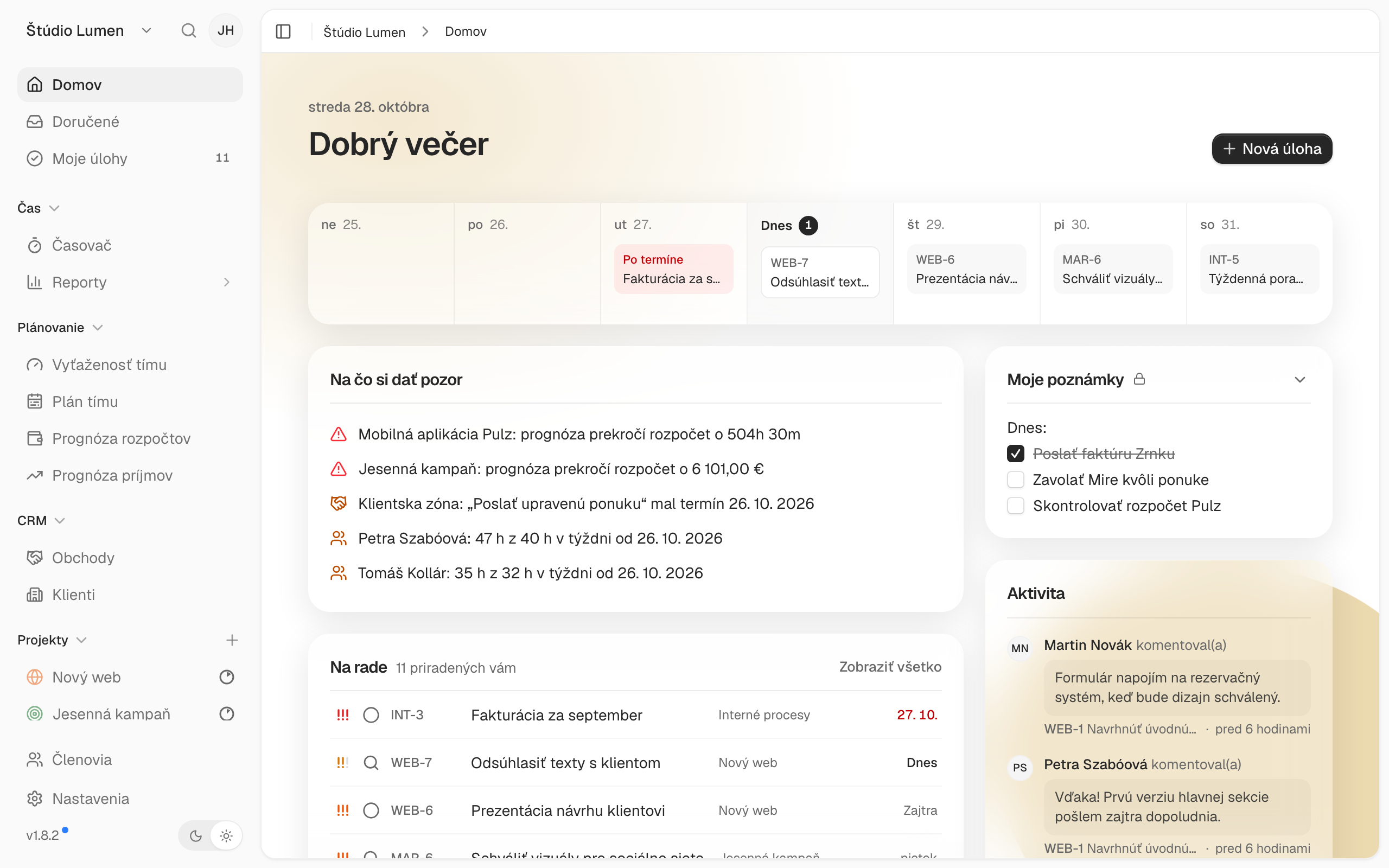
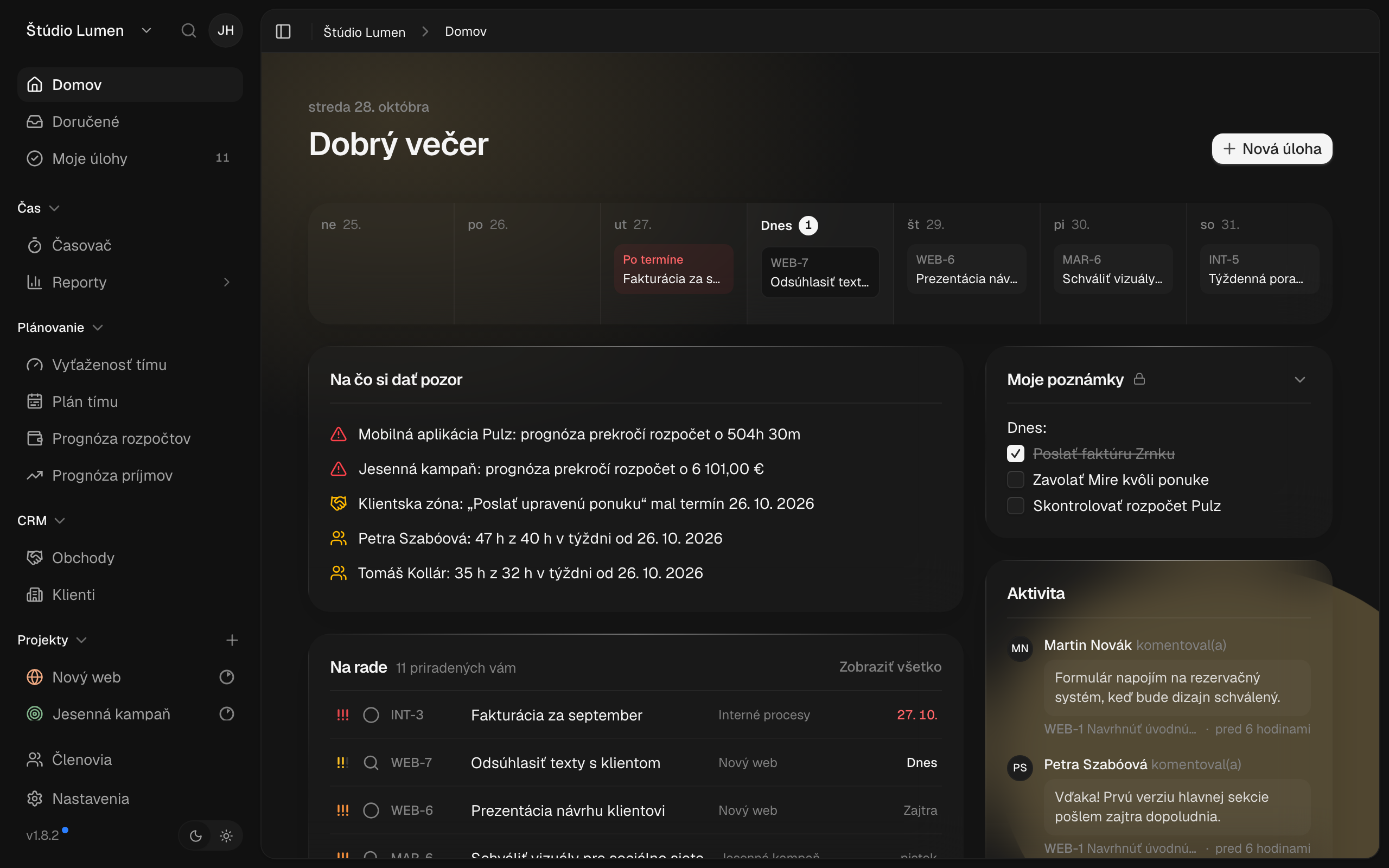
APPLICATION SAMPLE
See what it looks like
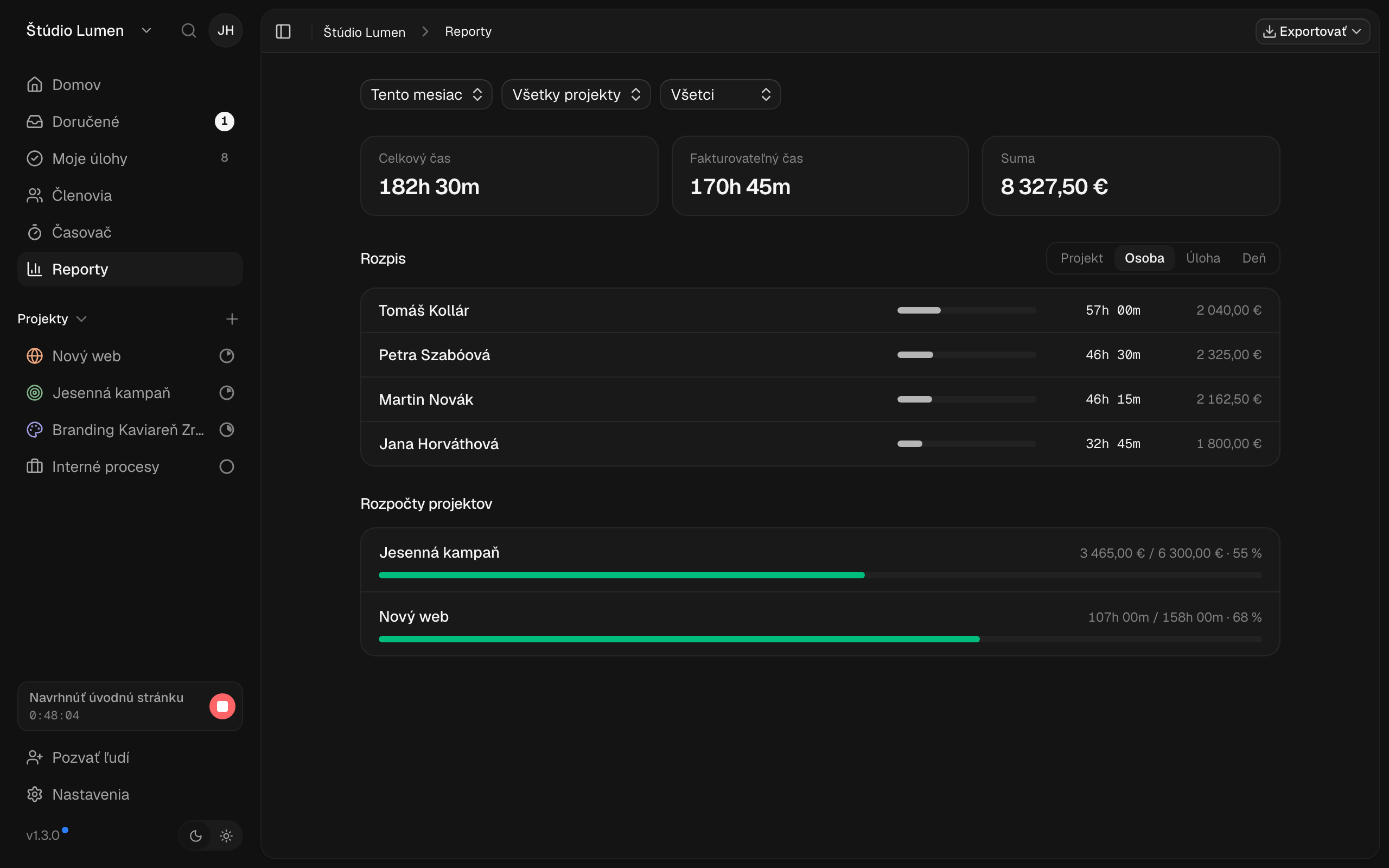
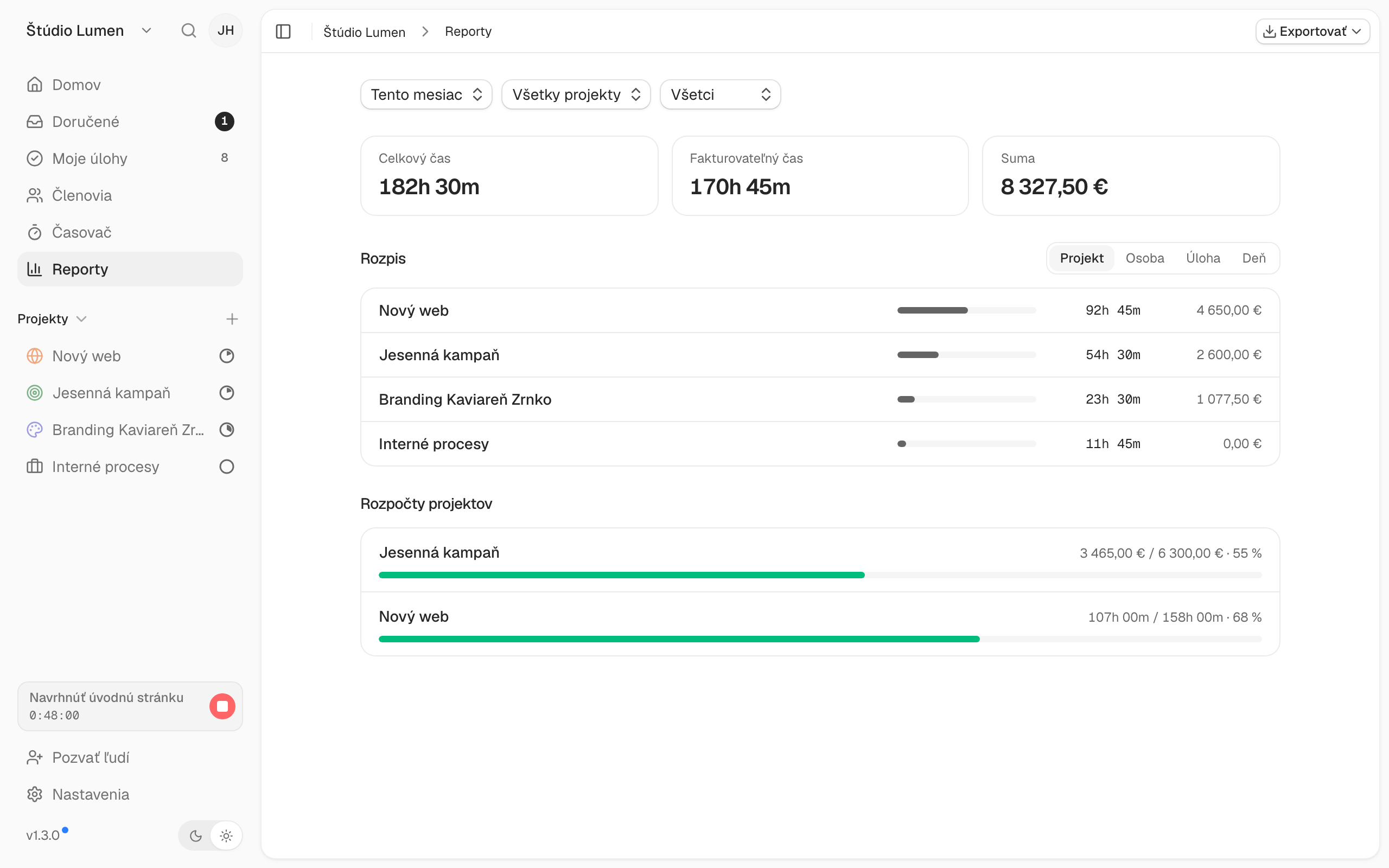
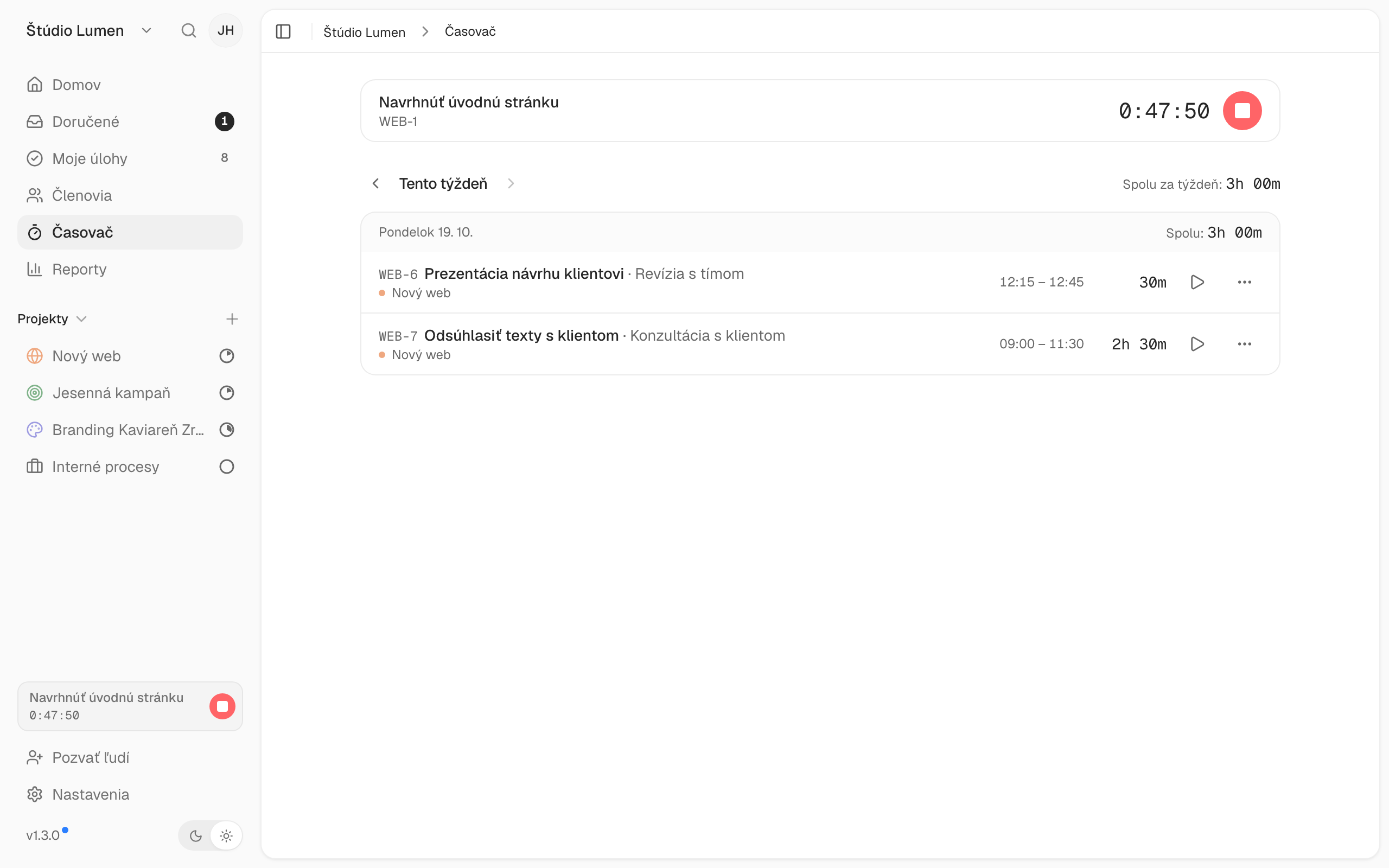
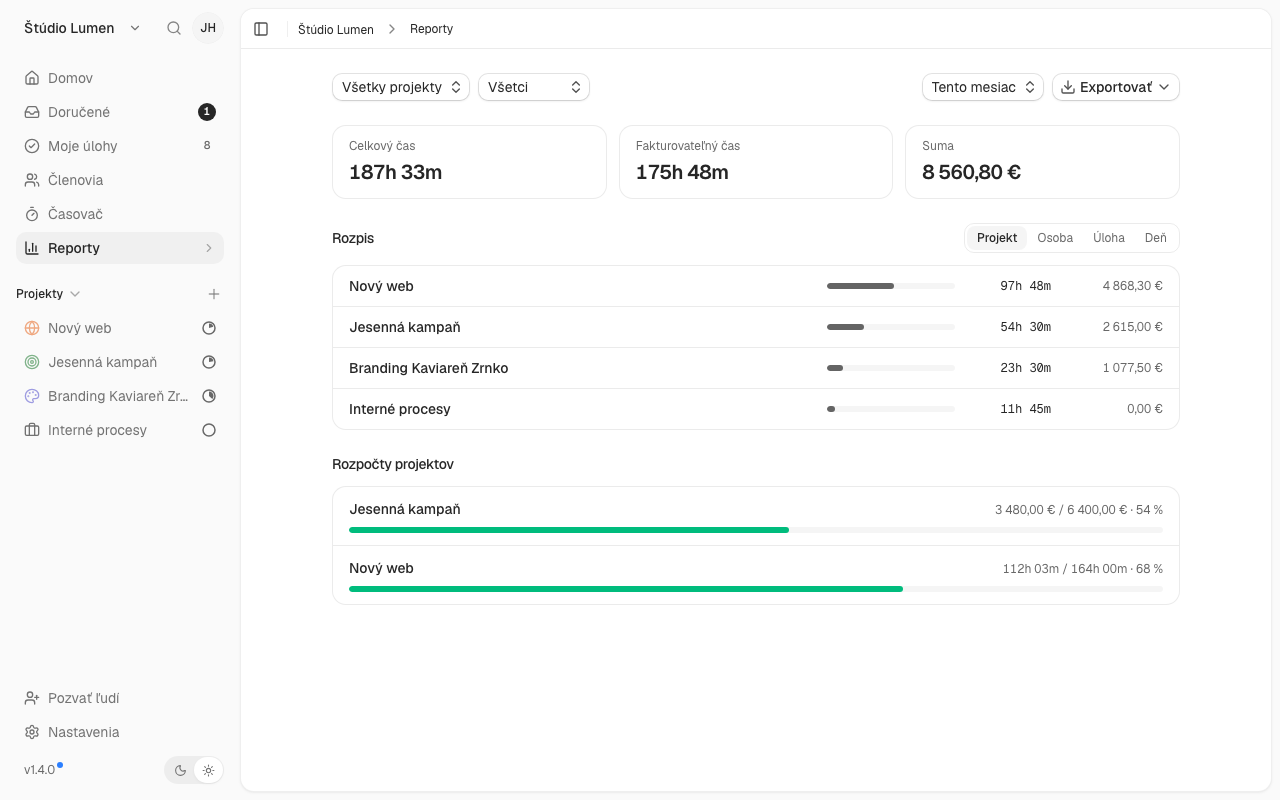
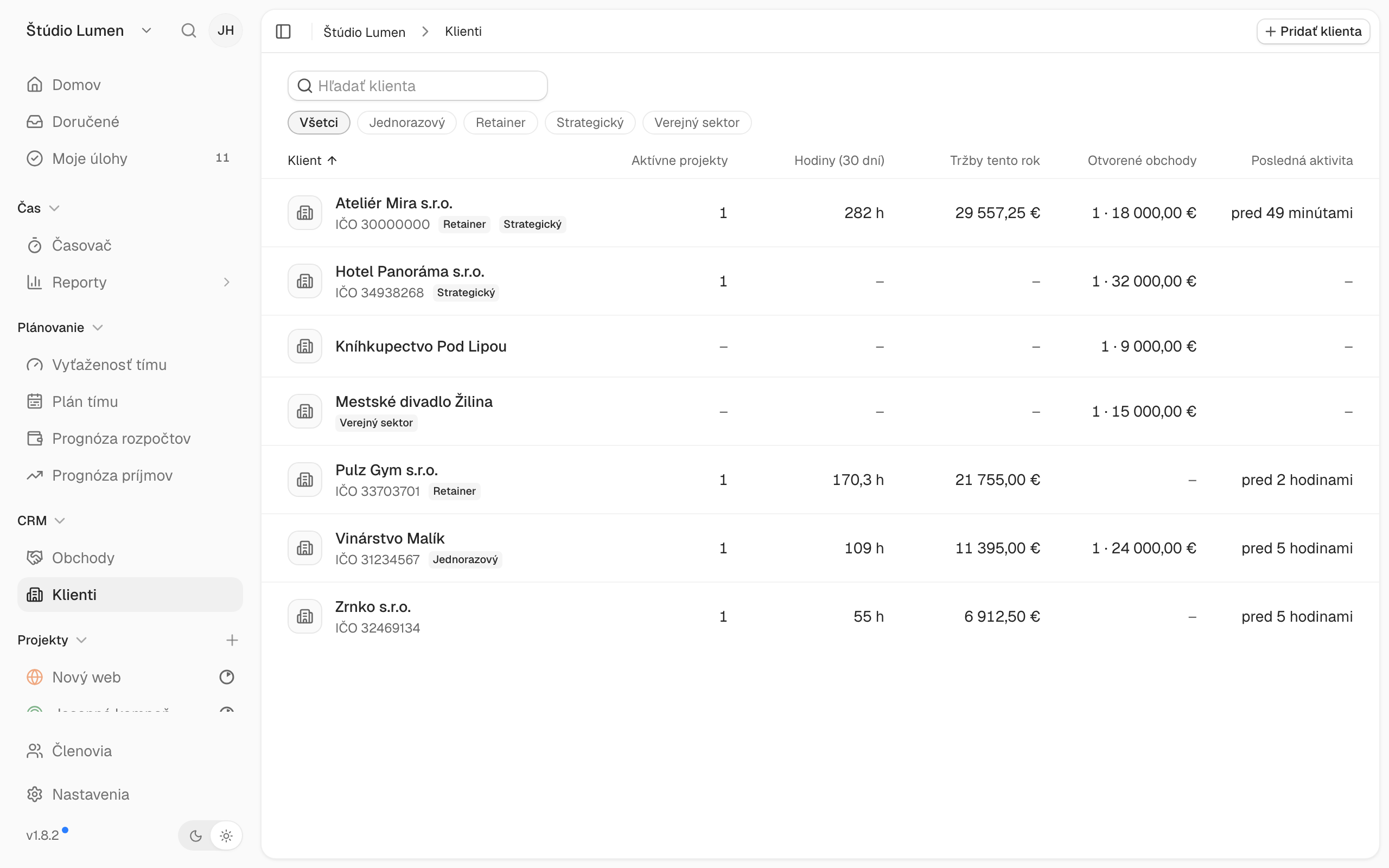
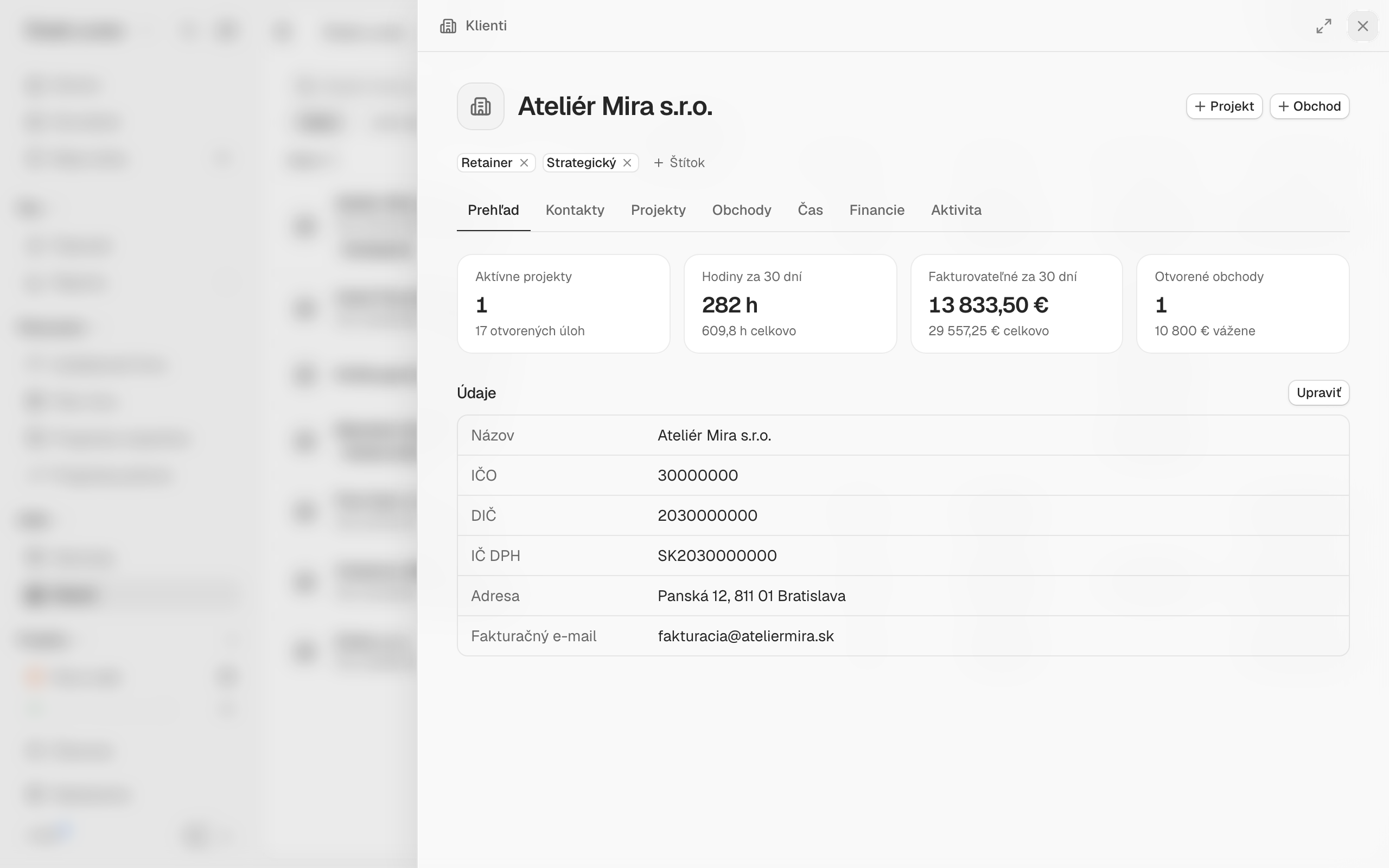
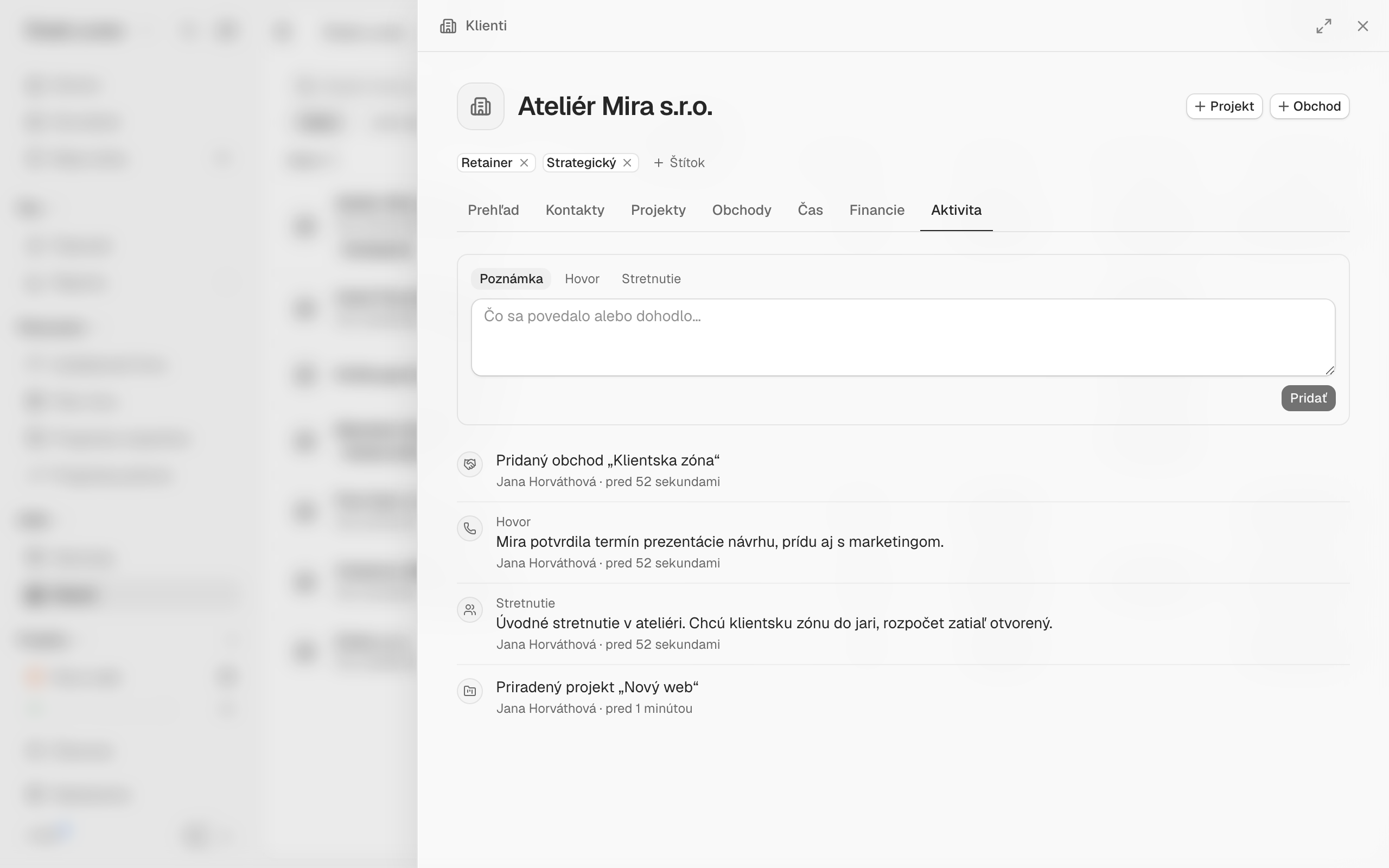
No marketing images, just actual screens from Projecco. Click to enlarge.

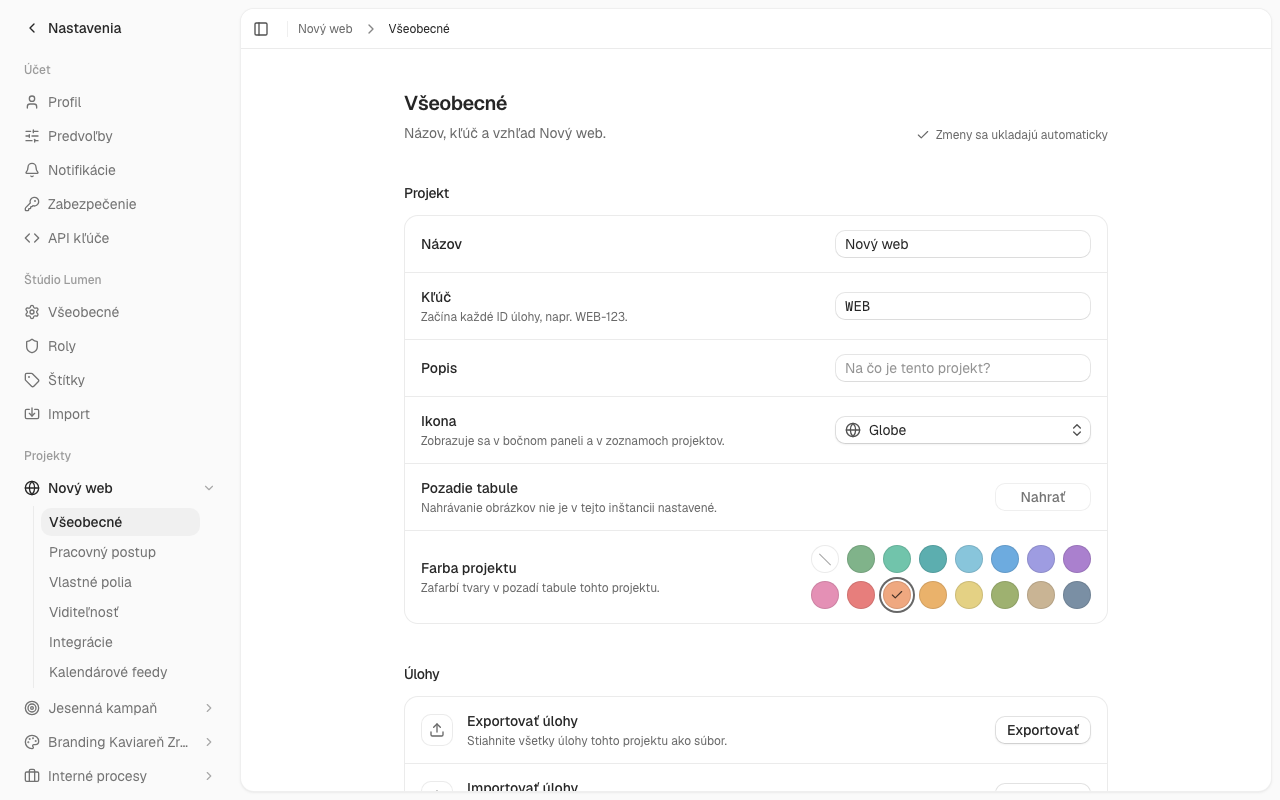

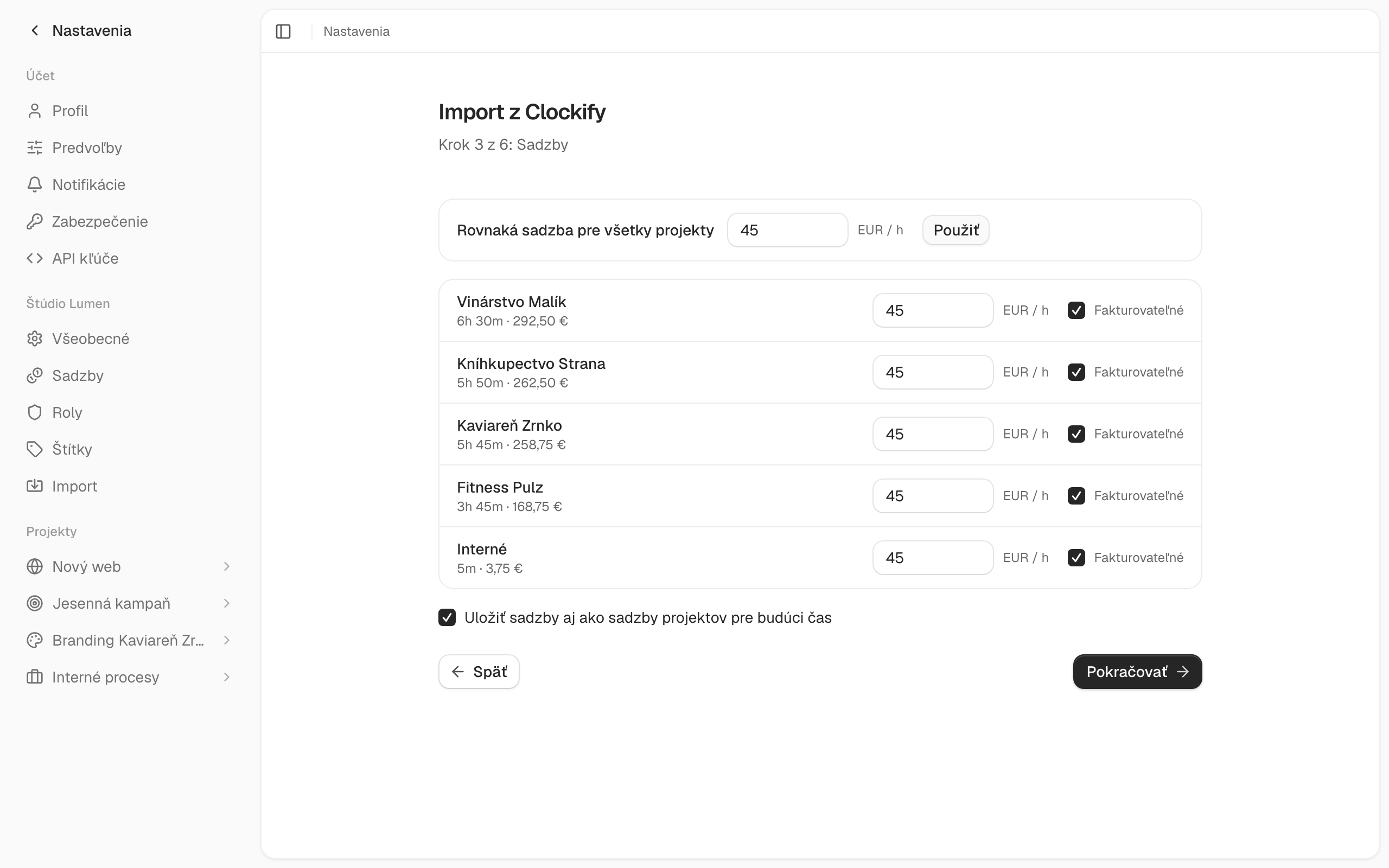
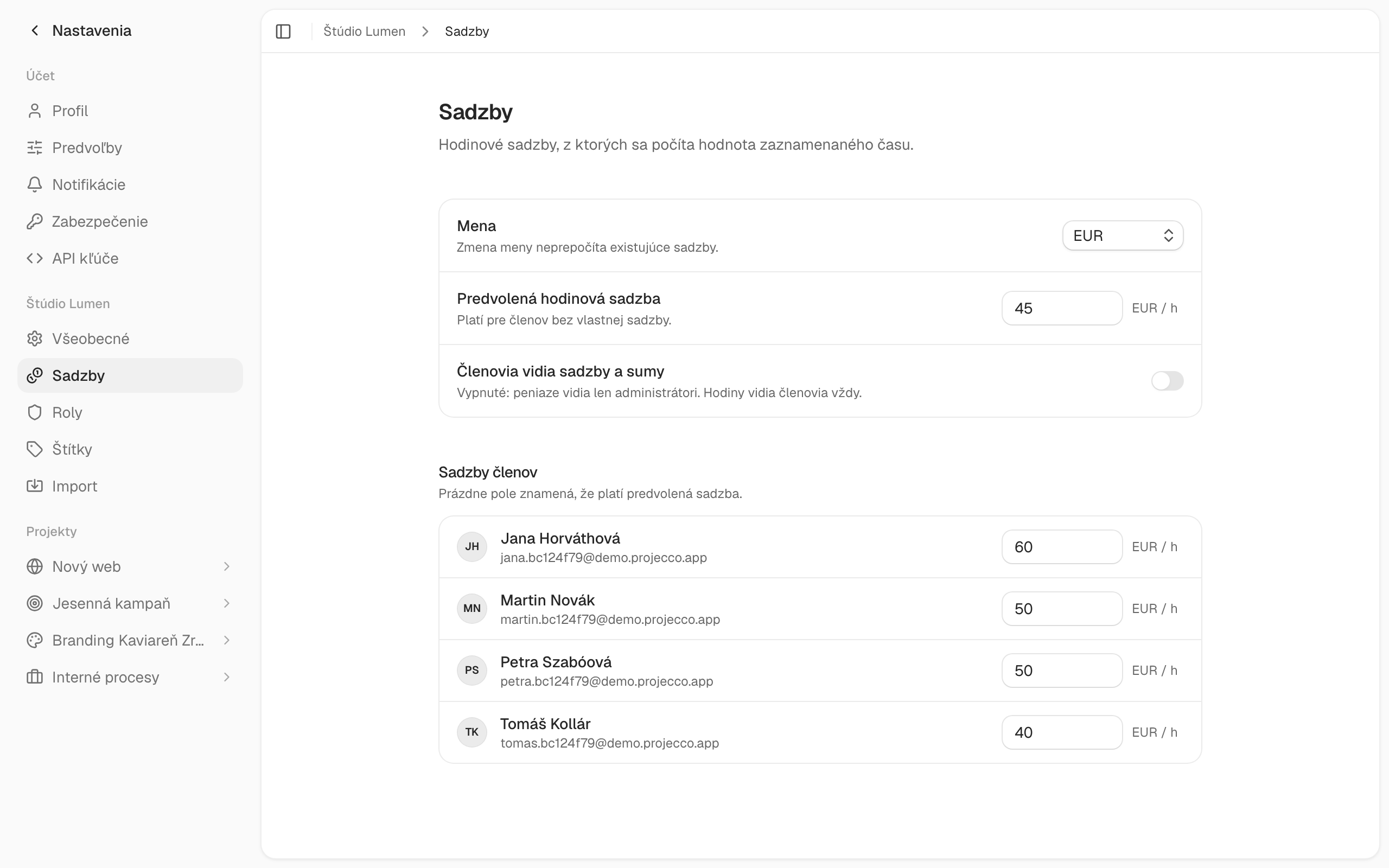
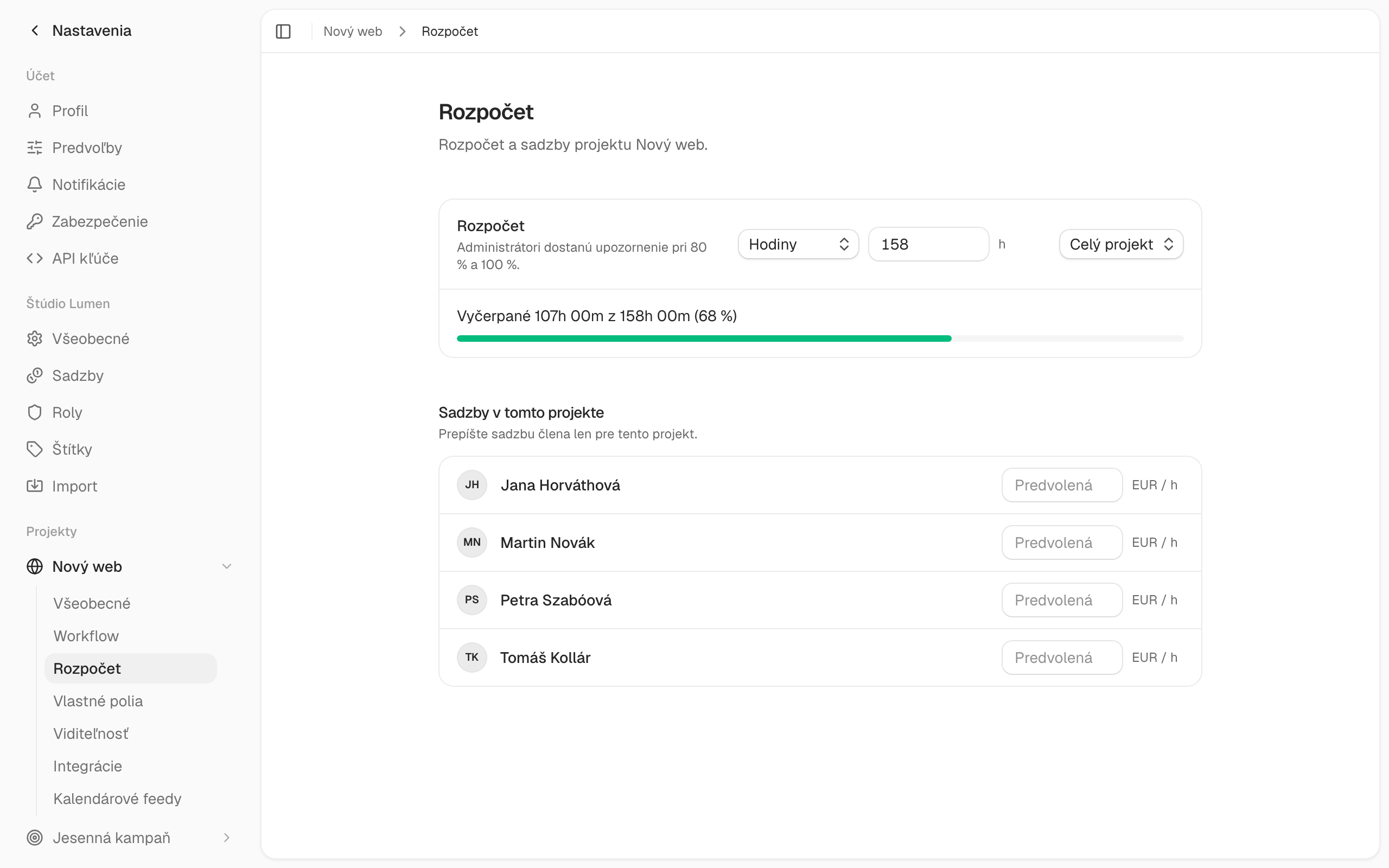


Price list
Choose a price plan
You can try both plans for free for 14 days, with no credit card required.
Working alone? Standard is enough for one person at €4 a month. See Projecco for freelancers →
STANDARD
€4 per user per month
with annual payment, or €5 per user per month with monthly payment
Everything a team needs for its day-to-day work:
- Four views of your work: kanban, list, calendar and timeline (Gantt)
- Tasks under control: assignment, deadlines, priorities, subtasks and comments
- Recurring tasks: daily, weekly, monthly or yearly, ending on a date or after a number of repeats
- Project templates: save a project as a template and start new ones from it
- Real-time collaboration: see your team’s changes instantly, with notifications in the app, by email and in the browser
- Time tracking: a one-click timer in a task, on the board or on the Timer page, manual entries and a weekly overview, with time worked shown right on task cards
- Hourly rates and currency: rates for the team, for individuals and per project, with billable time and amounts shown on tasks and in reports
- One-click invoice: issue an invoice in SuperFaktúra or Fakturoid from your tracked time. Billed time is marked as invoiced, so it never gets billed twice.
- Reports: time by project, person, task, day and week, with amounts based on hourly rates, clear charts, export to PDF and CSV
- Clockify import: your time entry history from a CSV export, including rates and billable time
Prices are excluding VAT.
BUSINESS
€7 per user per month
with annual payment, or €8 per user per month with monthly payment
Everything from Standard, plus:
- Project budgets and forecast: a budget in hours or in money, a chart showing where it is heading and when it will run out, with an early alert
- Task time estimates: how long a task should take and how much time is left
- Team workload: a weekly plan of hours against capacity, public holidays and time off, and a “Missing” row showing how many hours the team is short each week
- Team plan and bookings: a timeline of who is on which project and when, bookings for people and for roles you have yet to hire, and a plan that includes work that is not yet confirmed
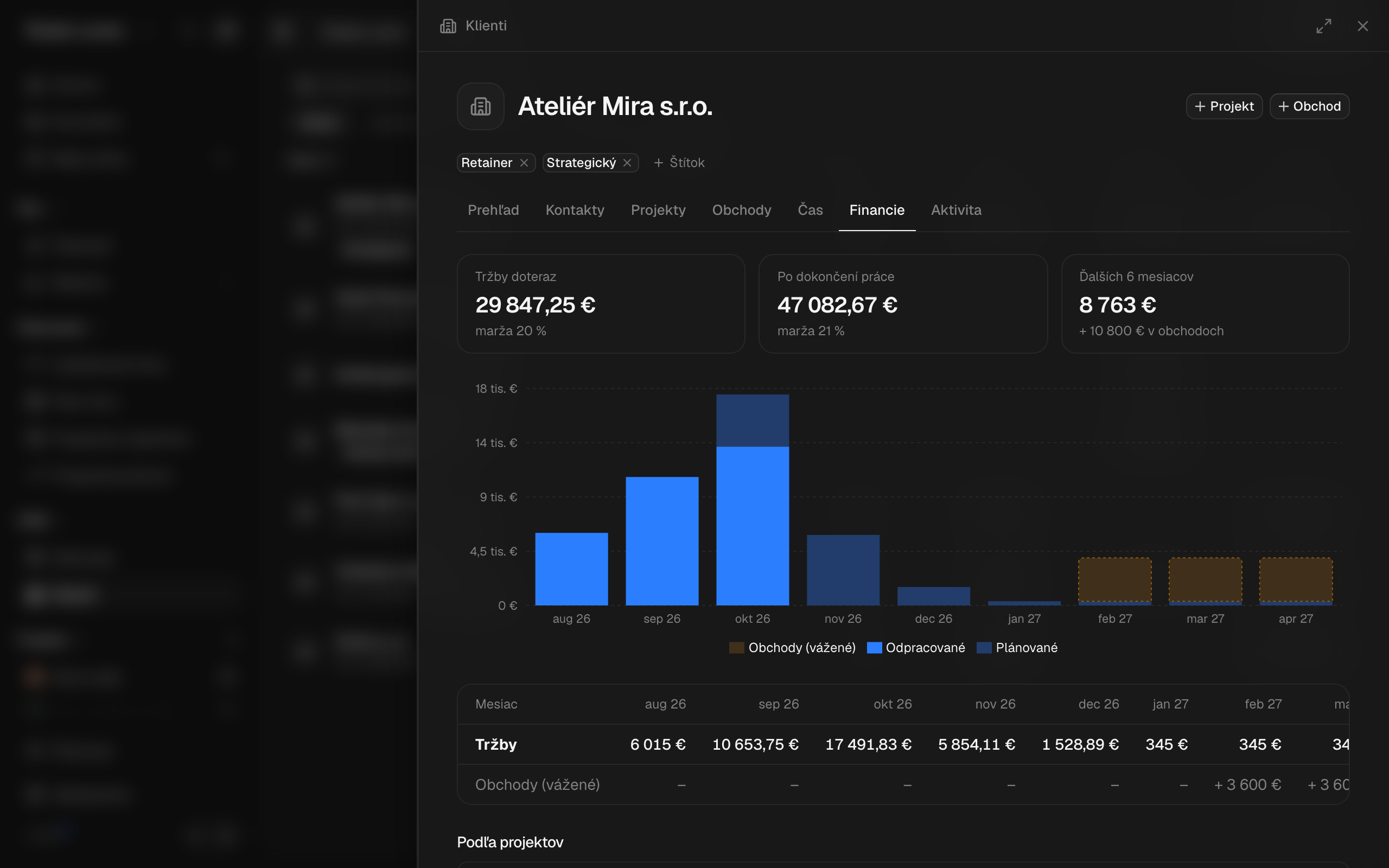
- Revenue forecast and profitability: income, costs including company overhead (rent, software), profit and margin by month, client and project, plus the effective hourly rate (costs and profit are visible to workspace admins only)
- Project expenses: subcontractors, licences or advertising, one-off or recurring (monthly, yearly), with a reminder before a licence or domain renews. Billable to the client with a markup and counted in budgets and forecasts
- Fixed price and retainers: bill by the hour, a fixed price for the whole project or a monthly retainer
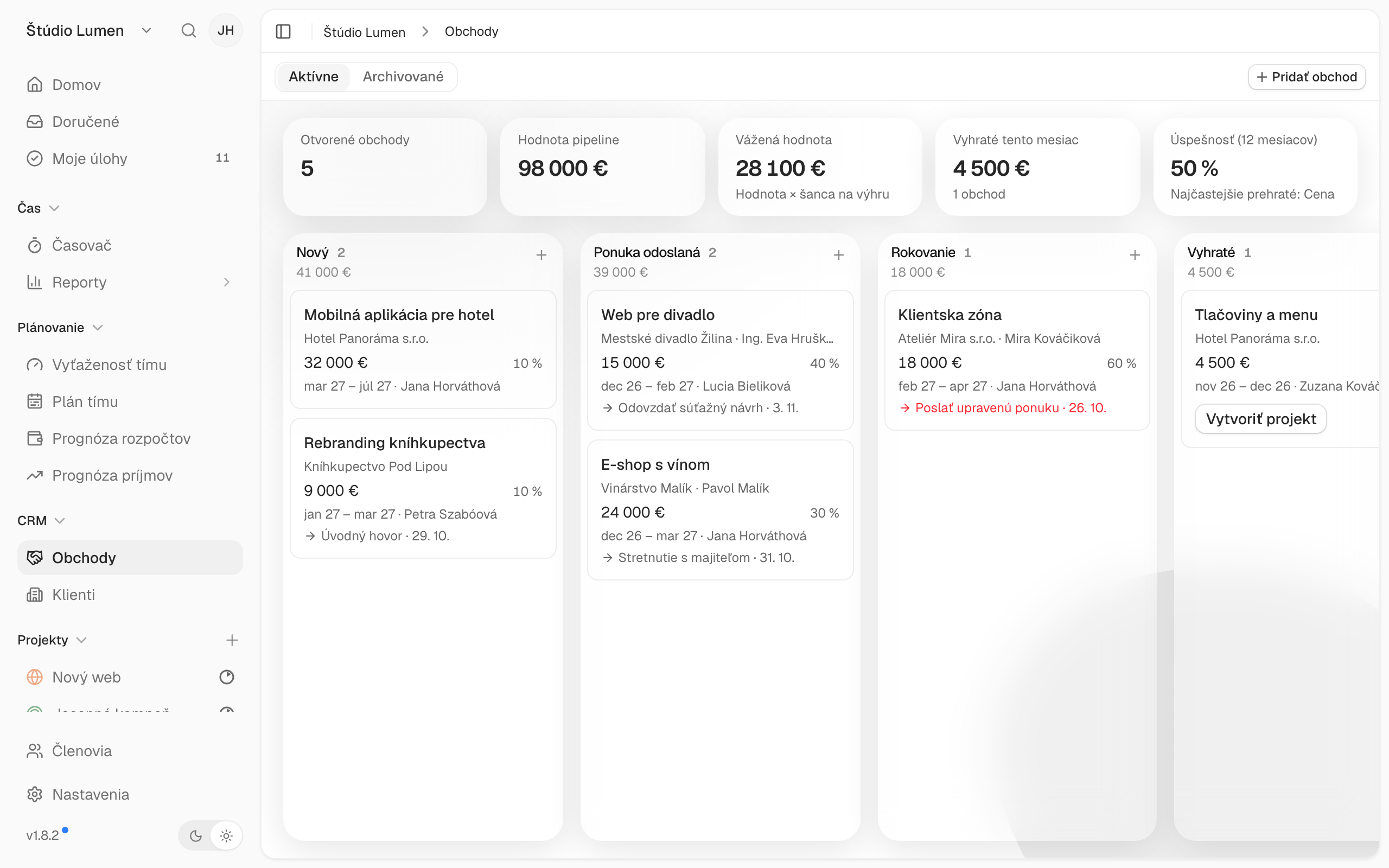
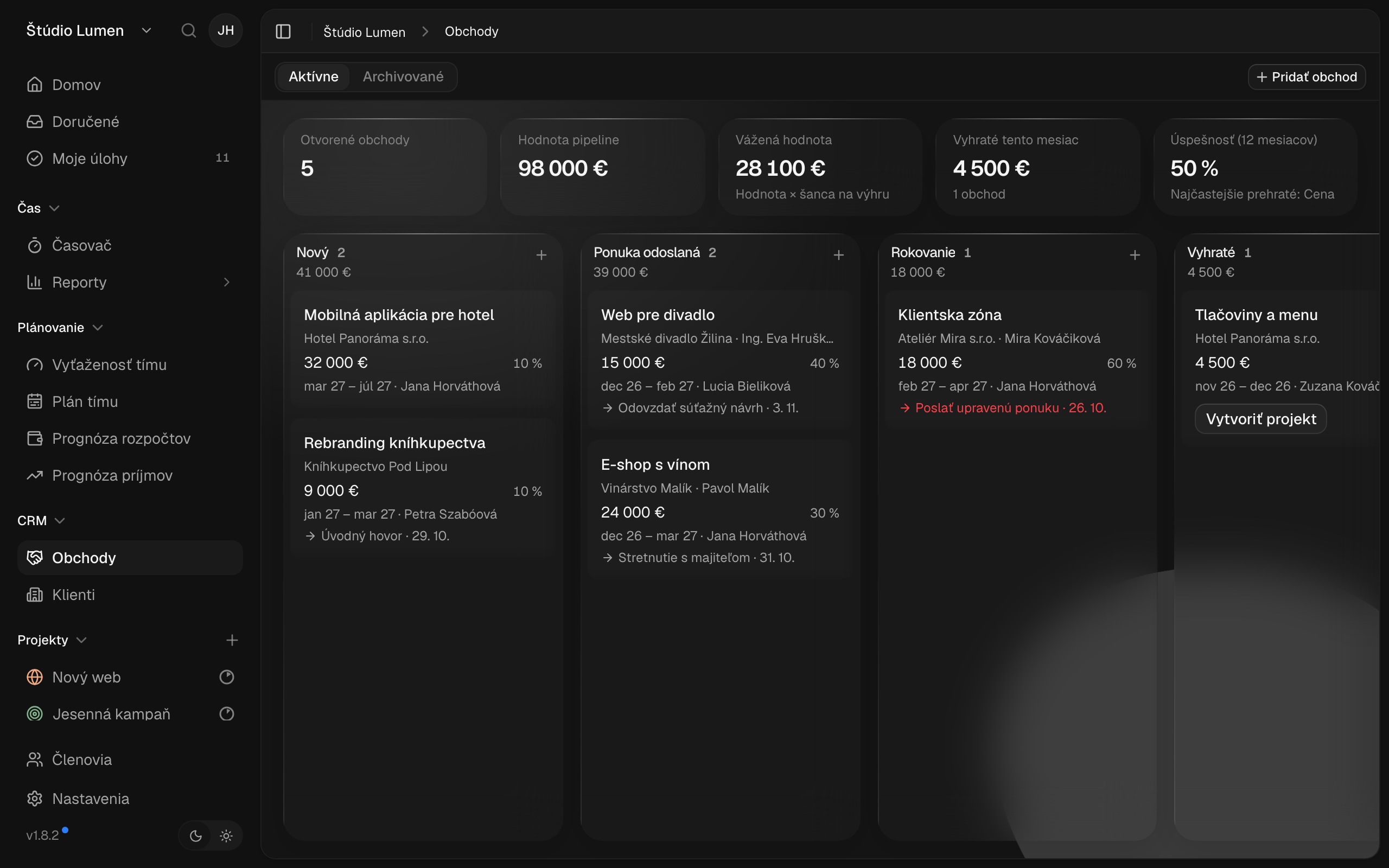
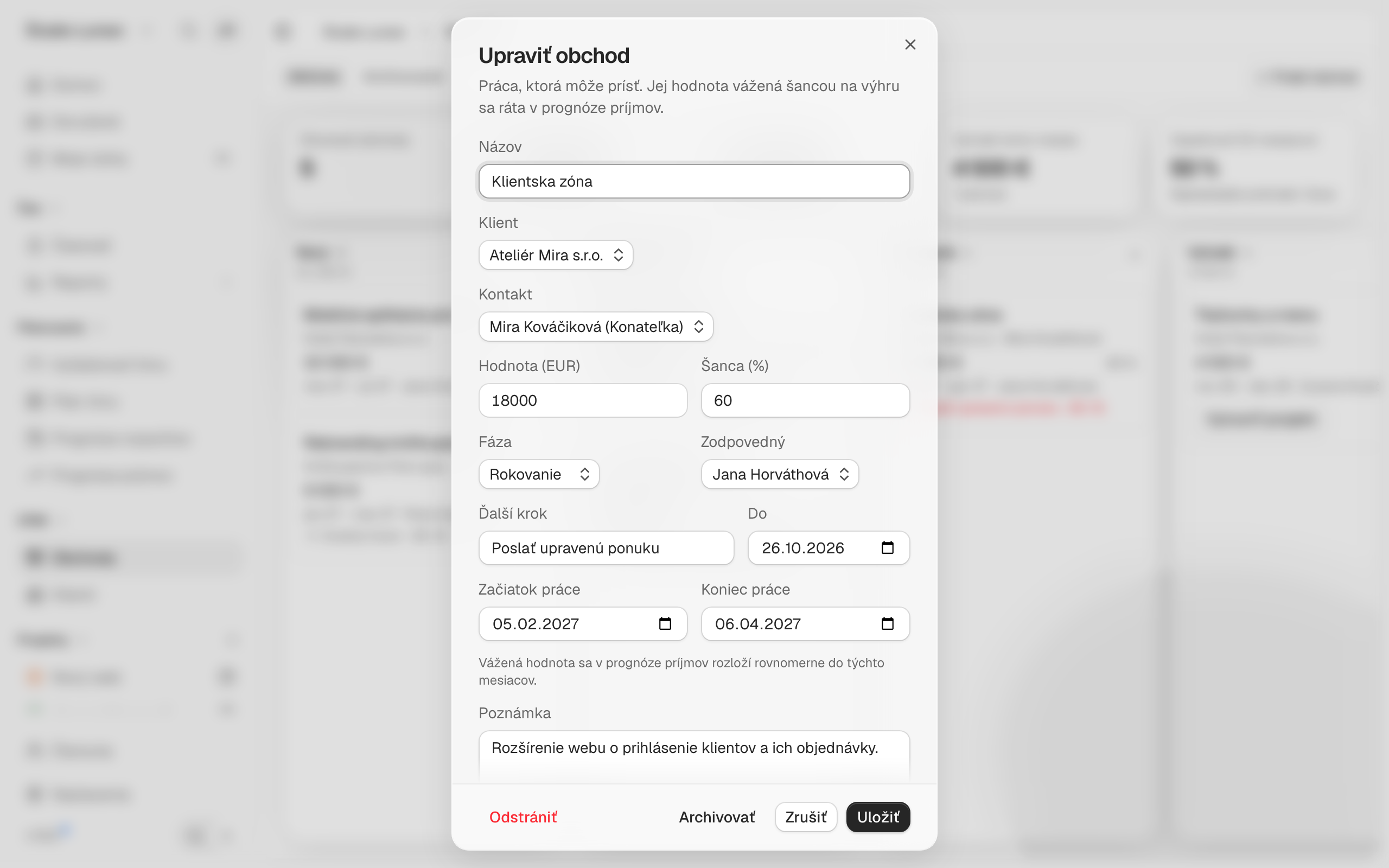
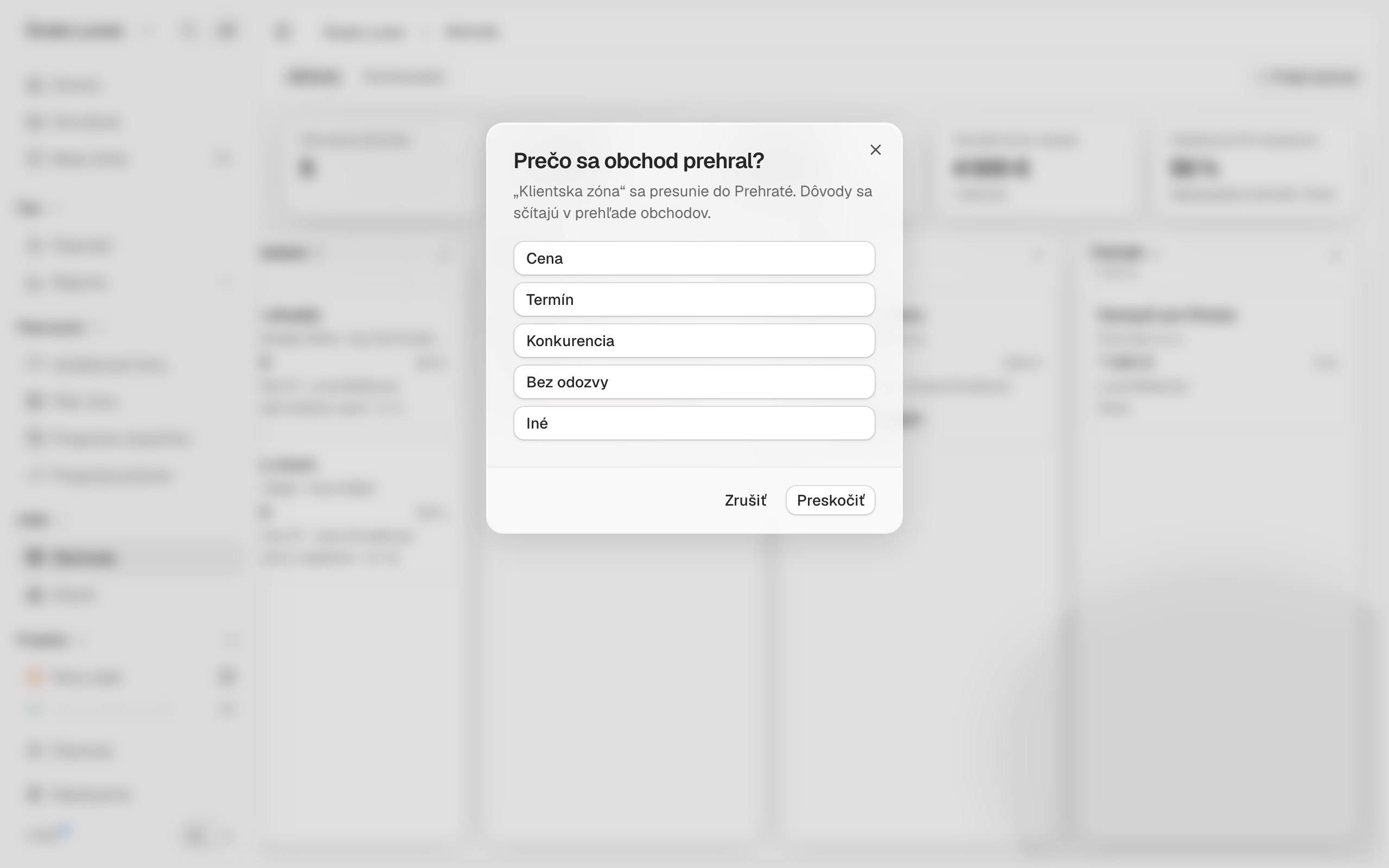
- Clients and deals: a client page with contacts, a history of notes, calls and meetings, projects, deals, time worked and finances (revenue to date and an outlook by month). A five-stage deal pipeline with a next step, loss reasons and win rate. A won deal turns straight into a project
- Client by company ID: enter the company ID and the name, address, tax ID and VAT ID are filled in from the public registers of Slovakia and the Czech Republic
- Meeting notes: during a client meeting, record who is present, what you discuss and what needs to be done. Action items with an owner and a due date turn into project tasks with one click, and you send the notes to the client as a PDF
- Guests: invite a client or contractor into selected projects. They see tasks and their status and can comment on them, but never see tracked time or finances. They don’t count as a paid member (up to 50 guests).
- Reports by client: amounts and billable time also by client, filterable by project, client, person, task or day, export to PDF and CSV
- Invoice-ready: time rounding, for example to 15 minutes, decimal format (1.50 h) and locking of invoiced periods so nobody can edit earlier time entries
Prices are excluding VAT.
Try for free
Try Projecco for 14 days free
Create an account in a minute. A guided setup takes you through it, and you can start with sample data.
14 days of full Business · No payment card · Sample data to start
Questions
Frequently asked questions
Can I invite a client to a project?
Yes. You invite your client as a guest to selected projects, where they can see tasks and their status and comment on them. They never see tracked time or finances, and a guest doesn’t count as a team member. The Guests feature is in the Business package.
Can I issue an invoice from Projecco?
Yes, in Fakturoid or SuperFaktúra. Just connect either one in the Projecco settings.
Do I need to install anything?
No. Projecco works in the browser, you don’t need to install anything.
How does the trial period work?
You create the account yourself, without a payment card, and use Projecco free for 14 days with all features of the Business package. After that, you decide whether to continue. If you don’t pay, the workspace stays read-only: you can see your data but not change it.
What is sample data?
When you sign up, you can start with sample data: projects, clients, tracked time with rates and invoices, so you can see reports and invoicing right away. With a team workspace you also get three sample colleagues who don’t count as paid members. You remove the sample data with one click and your own data stays.
I’m missing a feature I need. Will you add it?
Tell us what you need and what you would use it for. If the feature makes sense for other Projecca users, we will add it. Write to us at [email protected].
Where is my data stored?
The data is stored on Contabo’s servers in the European Union. We do not transfer it outside the EU.
How do I cancel my subscription?
At any time, with notice period according to business conditions.
Tutorials and tips
How to plan projects better
and manage the team’s work.
-
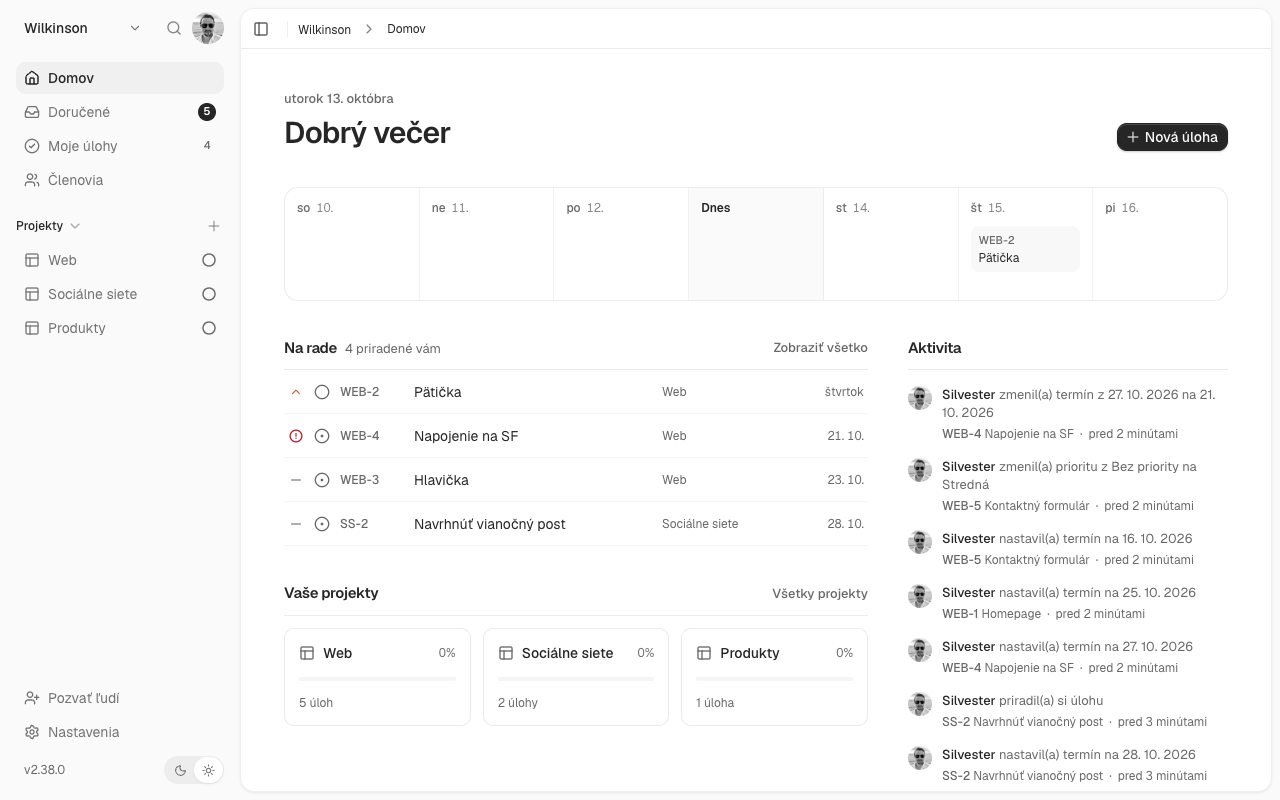
Slovak alternative to Trello and Asana: comparison of project management tools
Looking for a simpler project management tool in Slovak? We compared Trello, Asana, ClickUp, and Projecco based on price, language, and features.
-
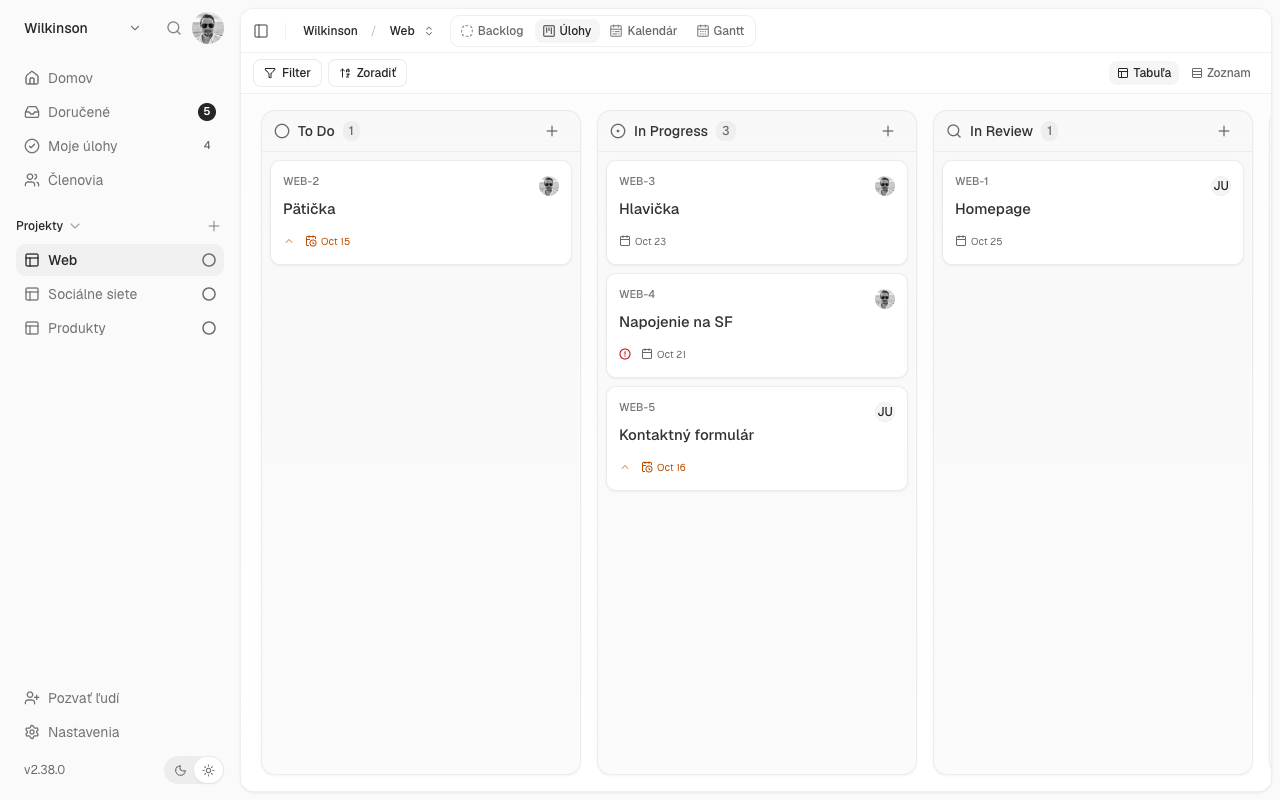
How to make a Kanban board: a practical guide for small businesses
What is Kanban, how to design columns on a board, and how to avoid the most common mistakes. A practical guide with examples for marketing, service, and production.
-
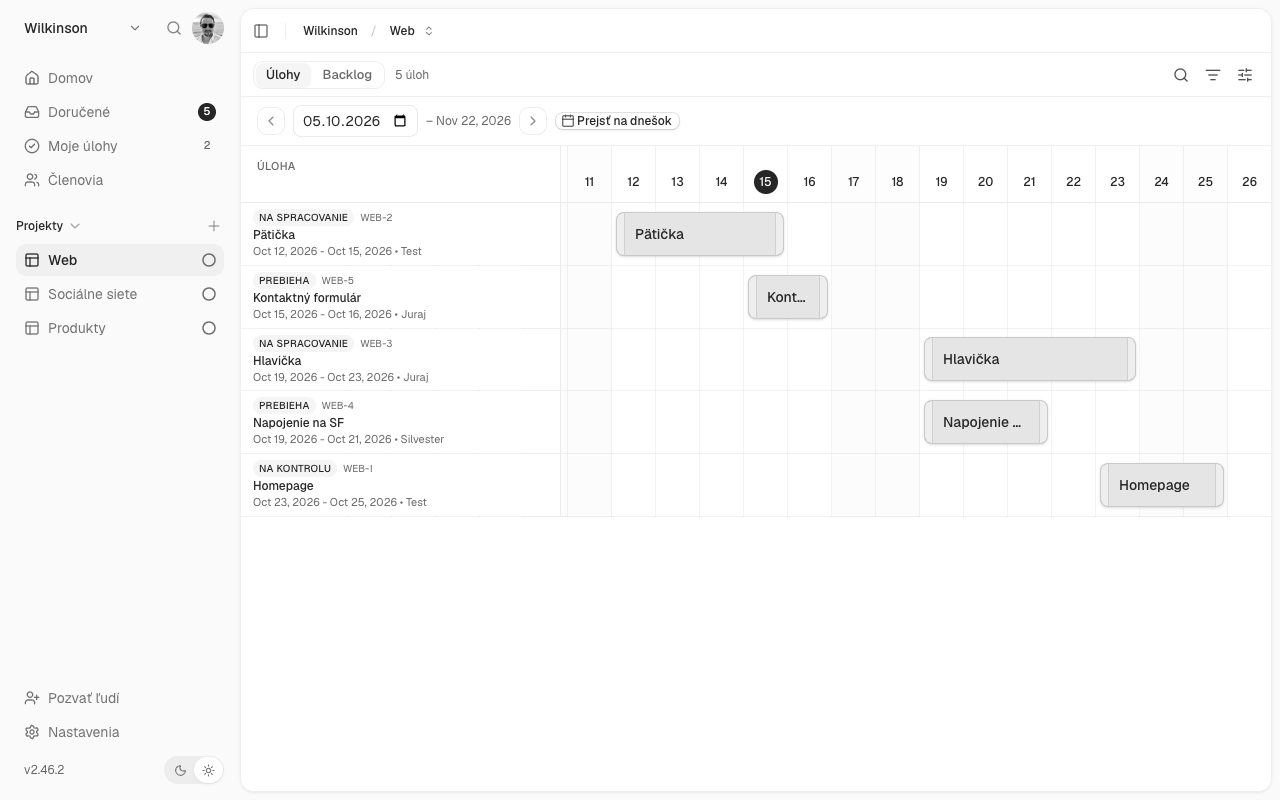
Gantt chart: what it is and how to use it to plan a project
What is a Gantt chart, when is it useful and how to plan a project with it in five steps. Comparison of Excel and project management applications.